6.1.3 Custom filters
Introduction
It is possible to use custom (third party) filters with the Amersham Typhoon scanner. The
custom filters have to be installed in the filter holder boxes supplied by GE.
Insert a custom filter in the filter
holder
Follow the steps below to insert a custom filter in the filter holder.
ActionStep
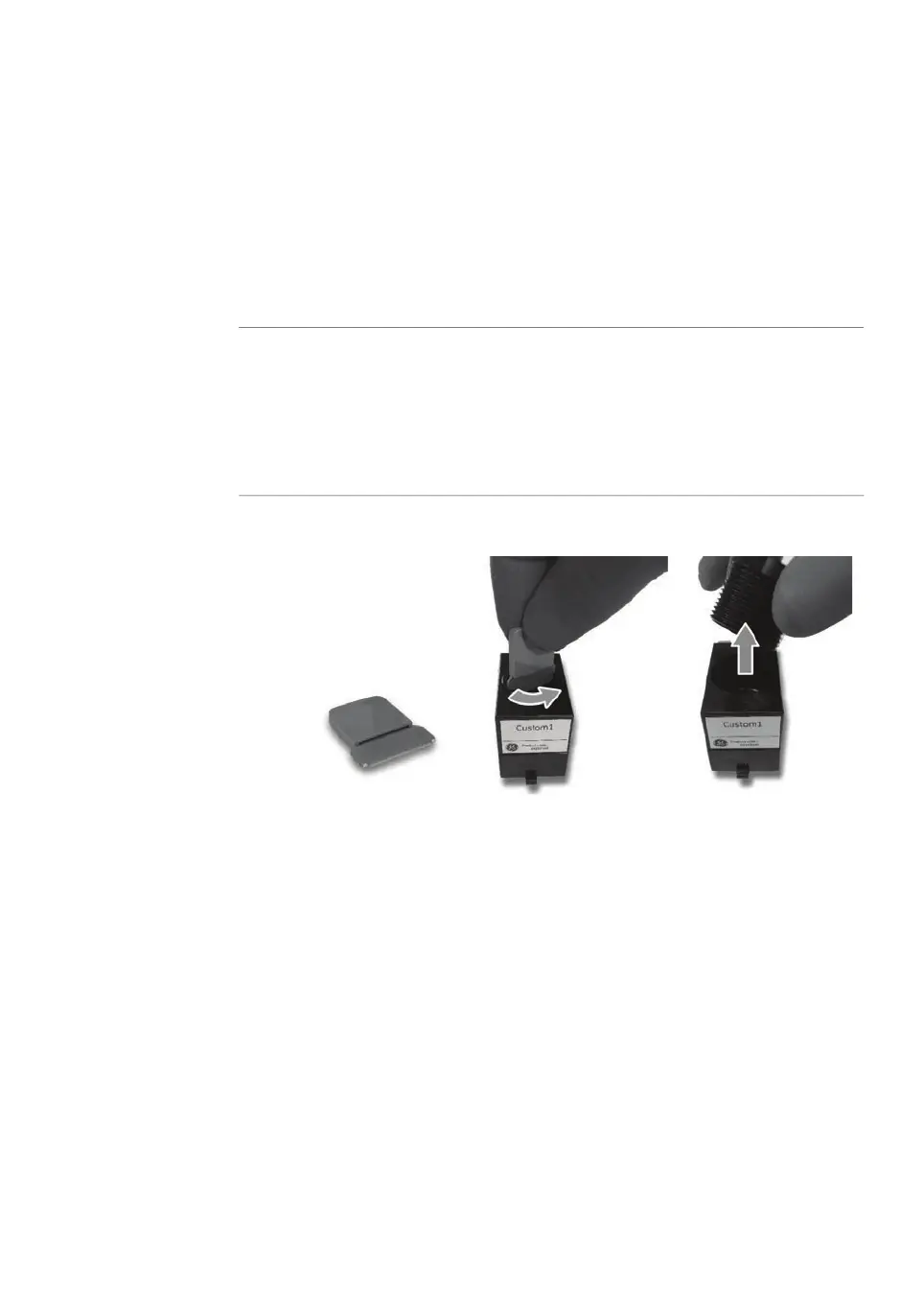
Screw out the stopper cylinder with the supplied tool, and take out the
stopper cylinder from the filter holder.
1
Drop the filter horizontally in the filter holder.
Note:
Filters should have a diameter of 25 mm. Multiple filters can be inserted in
the filter holder, up to a total thickness of 14 mm.
2
Amersham Typhoon Operating Instructions 29193226 AC 101
6 Operation
6.1 Preparing the Amersham Typhoon scanner
6.1.3 Custom filters



 To Next Page