4.2 Scanning modes
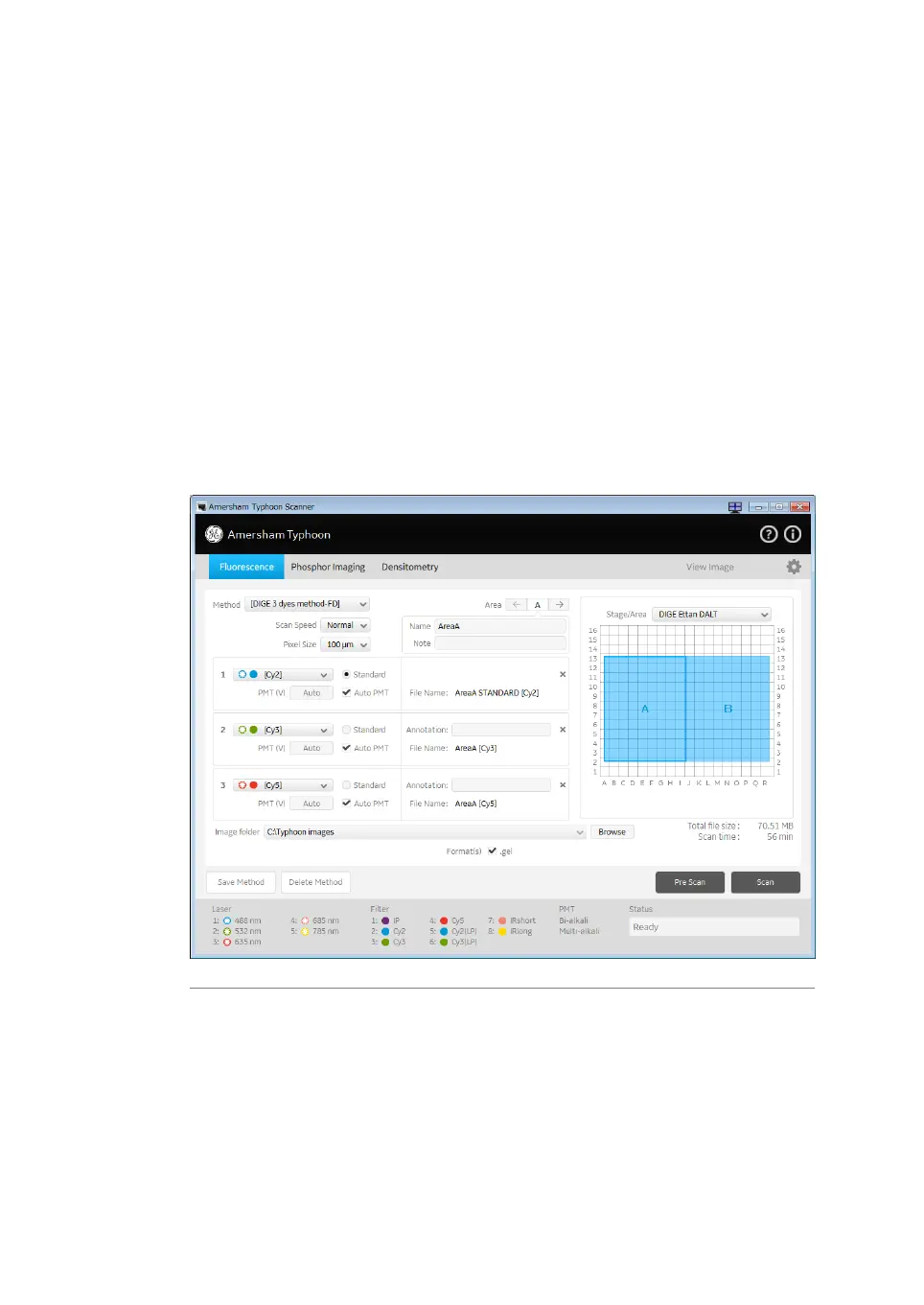
Fluorescence imaging tab
The following default methods can be selected on the Fluorescence tab:
1
Single channel fluorescence scan for all available lasers.
2
DIGE three-color muliplexing method.
3
Dark scan for luminescent samples. The default dark scan method uses the bi-alkali
PMT, and does not use any lasers or filters.
The scan settings and Stage/Area area settings can be edited in a default method. An
edited method can be saved under a new name for re-use at a later time.
The following illustration shows and example of a DIGE method set up screen.
66 Amersham Typhoon Operating Instructions 29193226 AC
4 Amersham Typhoon Control Software
4.2 Scanning modes



 To Next Page