6.1.1 Starting the system
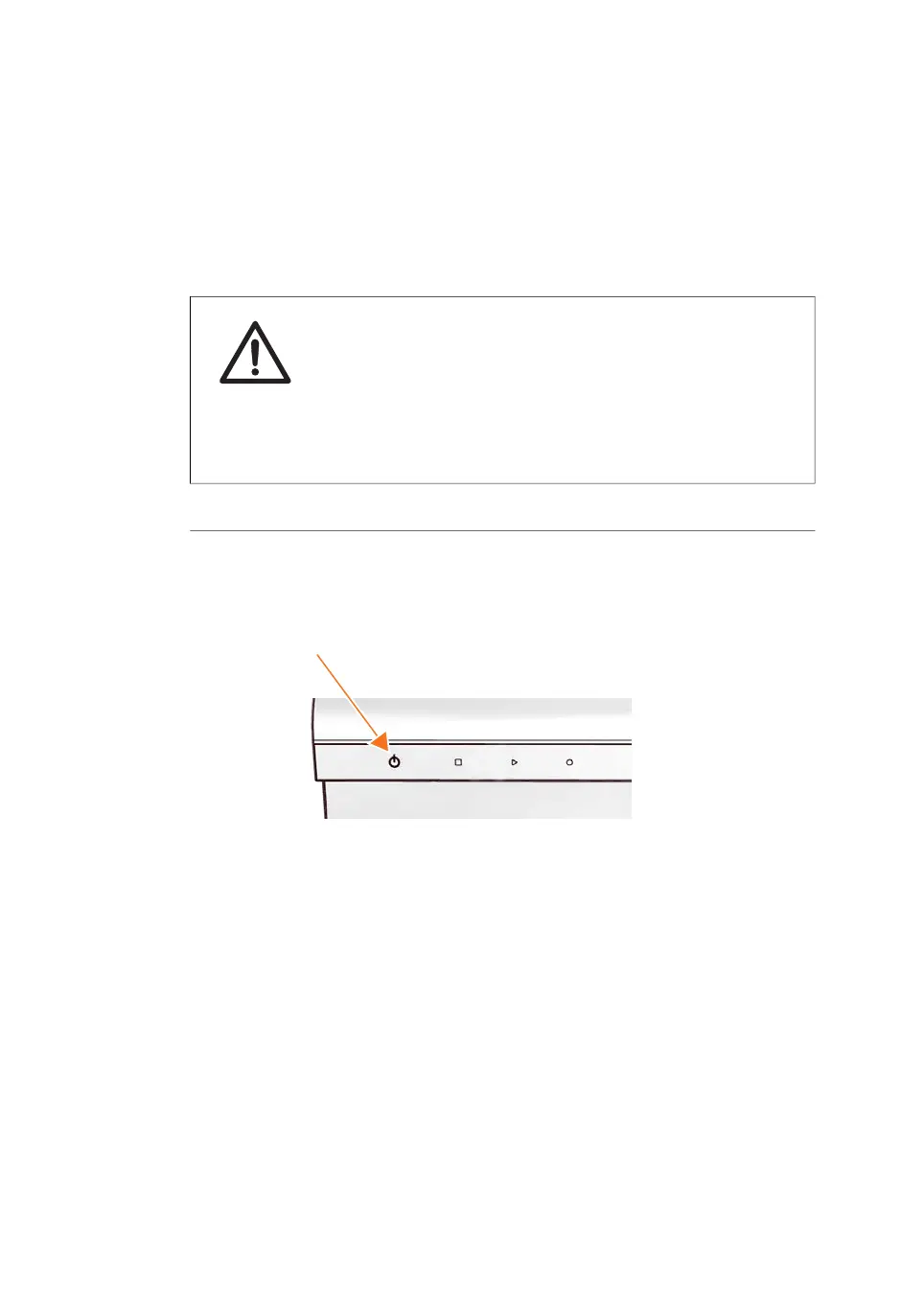
Start the Amersham Typhoon
scanner
CAUTION
Do not insert a storage phosphor screen in Amersham Typhoon
before turning on the machine. If a storage phosphor screen is
detected during the self-diagnosis of the Amersham Typhoon, the
sensitivity of the storage phosphor screen may deteriorate and
reduce the quality of the scanned data.
ActionStep
Check that there is no stage in the scanner.1
Switch the power switch on the right side of the instrument to the "I" position.2
Push the On/Off button in the instrument panel.3
94 Amersham Typhoon Operating Instructions 29193226 AC
6 Operation
6.1 Preparing the Amersham Typhoon scanner
6.1.1 Starting the system



 To Next Page