ActionStep
The following will occur:
•
The Ready LED flashes.
•
The instrument will make one beeping sound within 5 minutes after the
On/Off button is pushed.
•
The Ready LED is lit.
Result: Amersham Typhoon scanner is ready for operation.
Start the Amersham Typhoon
Control Software
ActionStep
Start Amersham Typhoon Control Software from the Start menu, or use the
desktop shortcut.
1
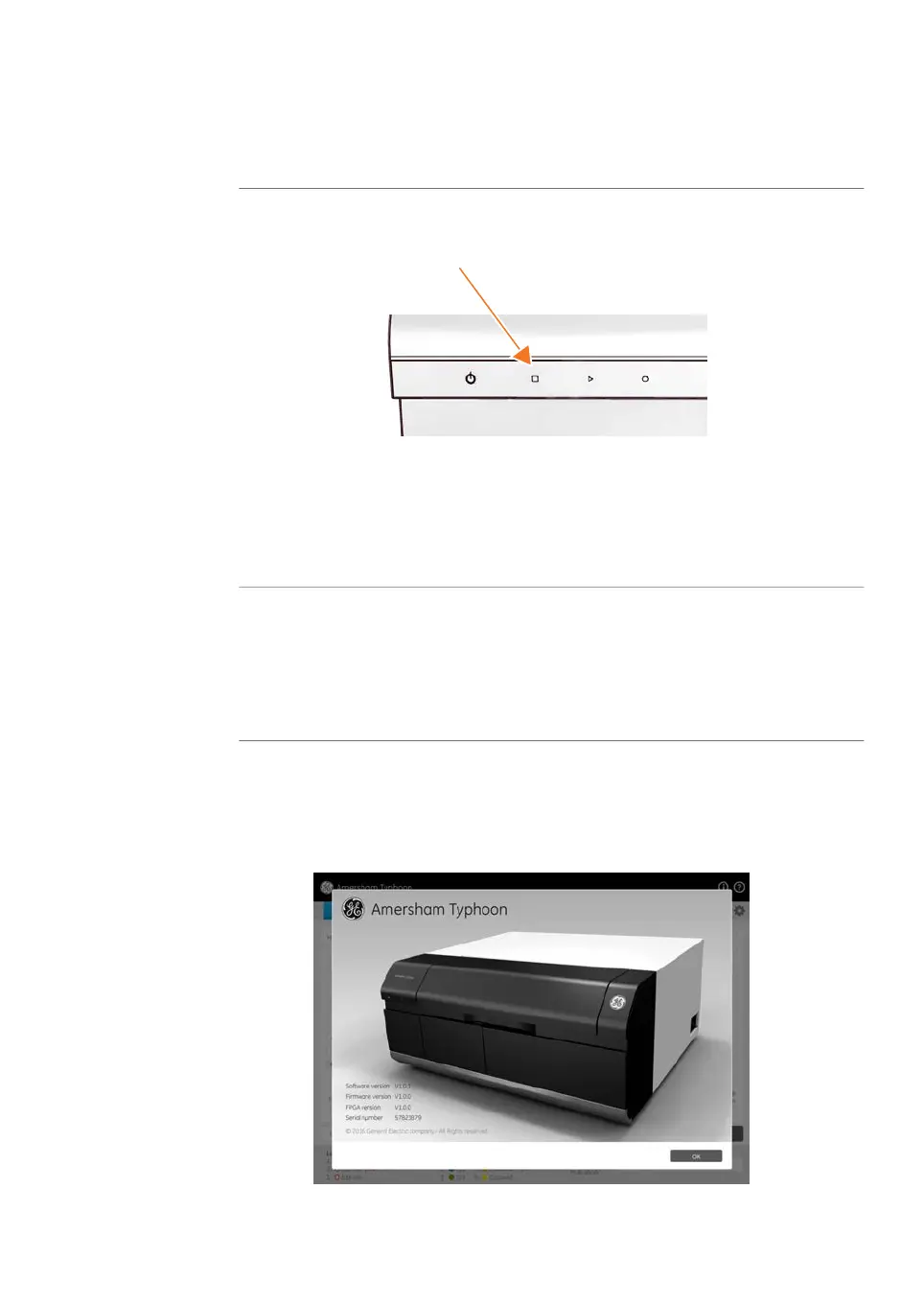
The following window is displayed while the Amersham Typhoon Control
Software is launched.
Amersham Typhoon Operating Instructions 29193226 AC 95
6 Operation
6.1 Preparing the Amersham Typhoon scanner
6.1.1 Starting the system



 To Next Page