4.4 Scan area functions
Introduction
This section gives a detailed description of the Stage/Area settings.
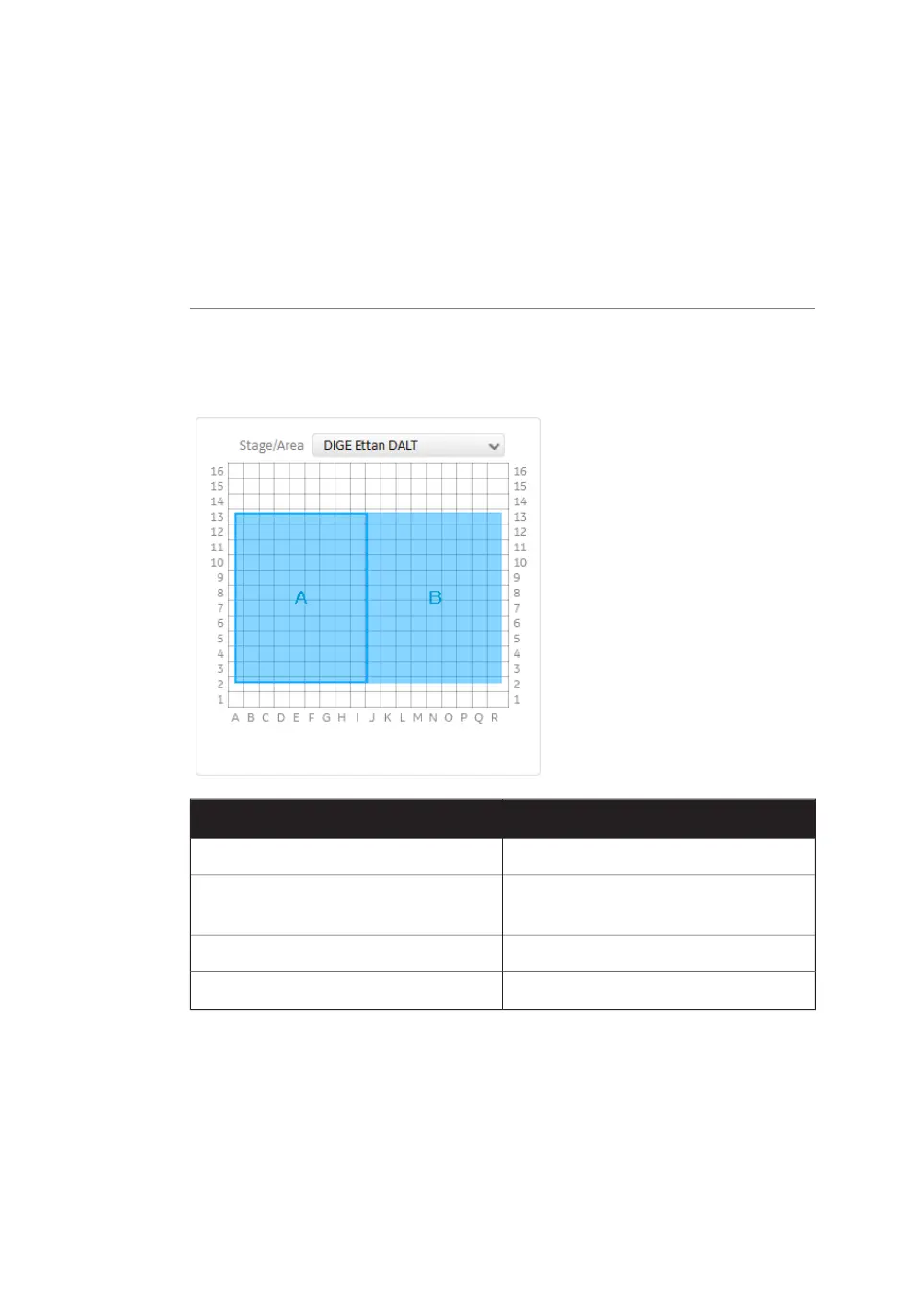
Defining the scan area
In the Stage/Area pane, the area that is to be scanned can be defined.
ActionIf you want to...
Click and drag to create a new scan area.Add a new scan area
Select the scan area and press the Delete
key on the computer keyboard.
Delete a scan area
Click and drag the blue box.Change the position of a scan area
Click and drag the edges of the blue box.Change the size of a scan area
72 Amersham Typhoon Operating Instructions 29193226 AC
4 Amersham Typhoon Control Software
4.4 Scan area functions



 To Next Page