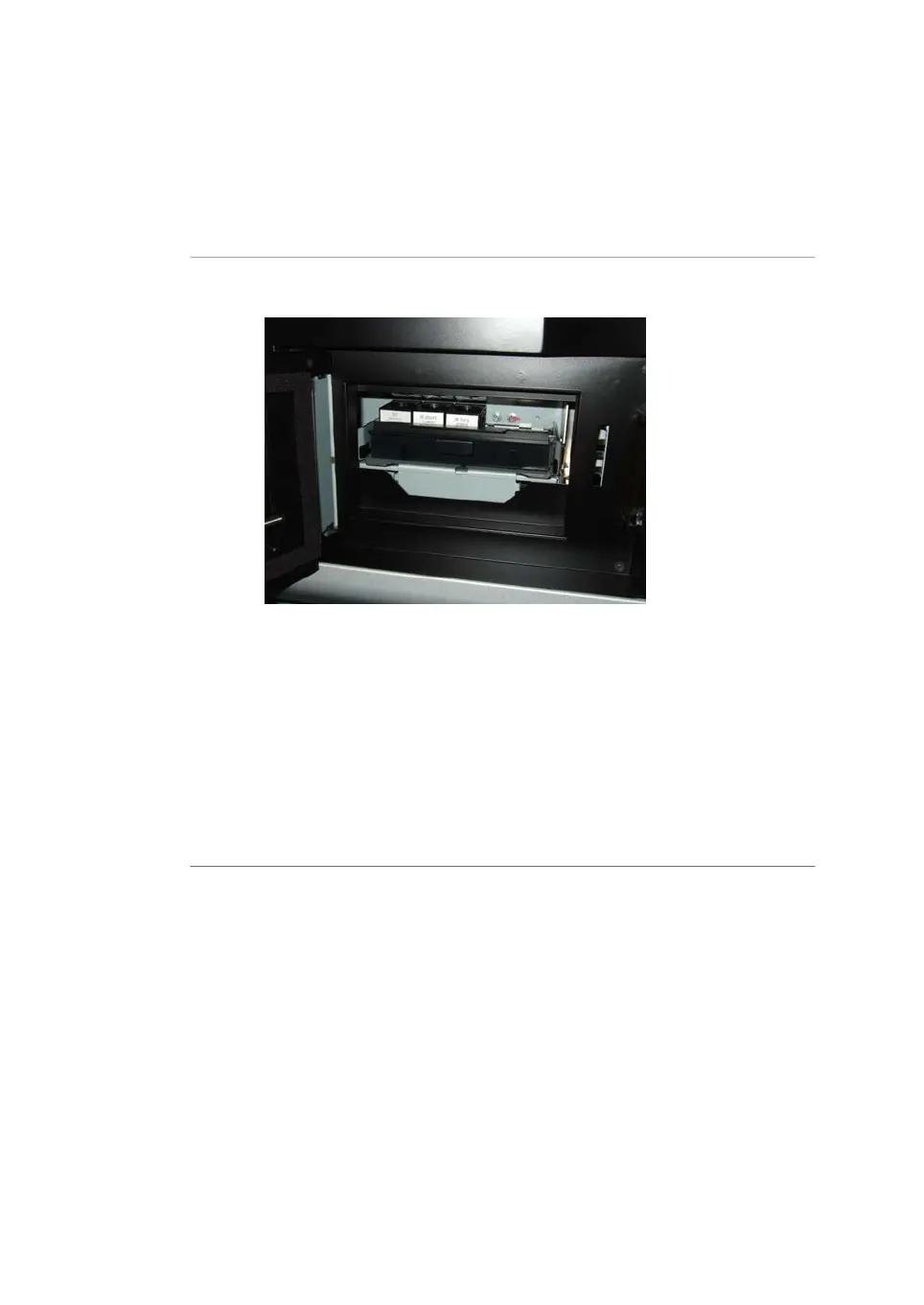
Place the filter module in the
scanner
ActionStep
Insert the filter module in the filter module holder. A clicking sound indicates
that the filter holder is in the correct position.
5
Close the filter door.6
In the Amersham Typhoon Control Software, check the list of filters in the
Instrument status pane. Make sure that the newly installed filters are cor-
rectly registered.
Note:
The filters are recognized automatically. Custom filters are designated Cus-
tom1 and Custom2 in the control software. In case the scanner does not
automatically recognizes a filter, or identifies a filter incorrectly, contact a GE
representative for service.
7
100 Amersham Typhoon Operating Instructions 29193226 AC
6 Operation
6.1 Preparing the Amersham Typhoon scanner
6.1.2 Changing the filters



 To Next Page