ActionStep
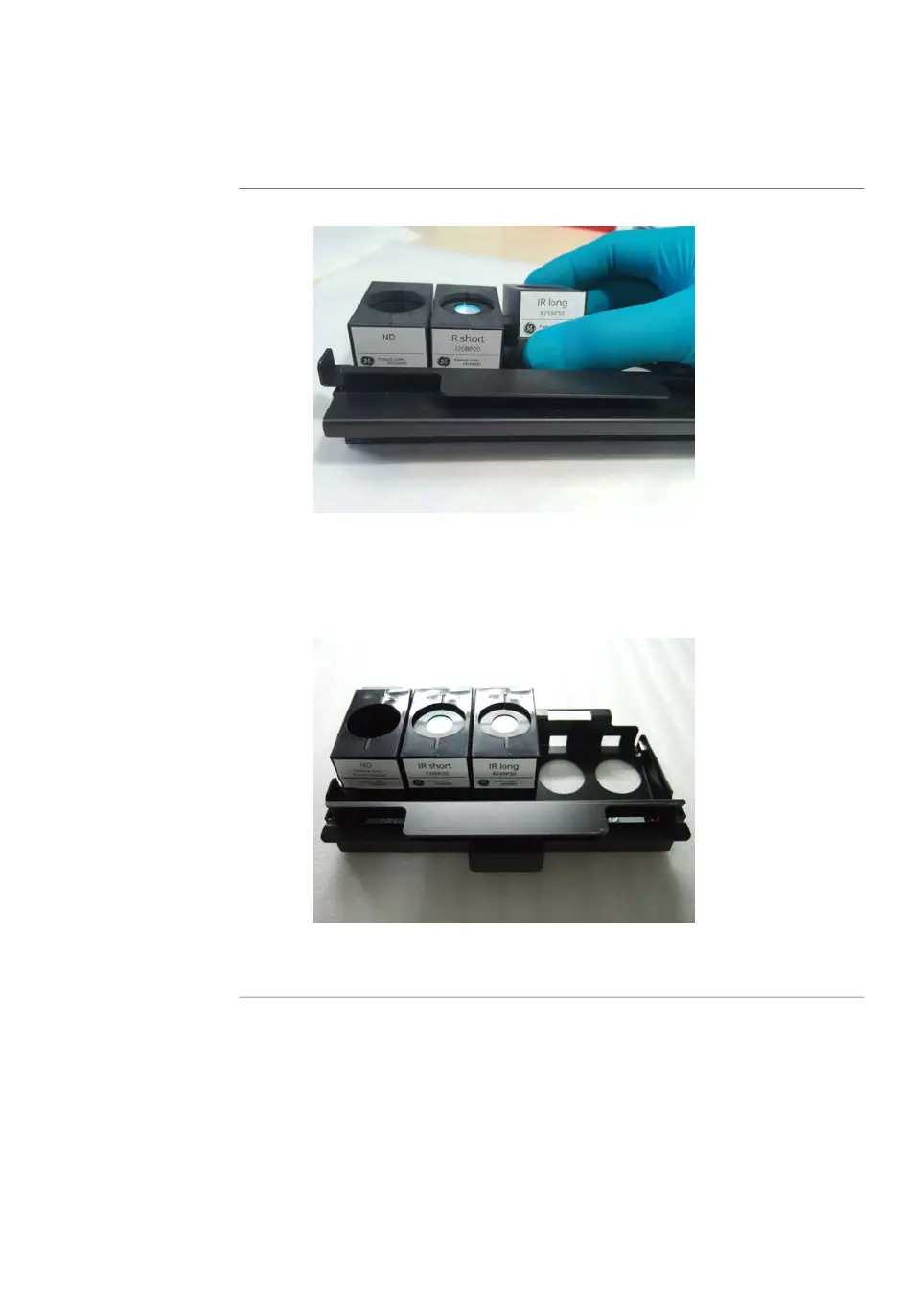
Pull out the filter from under the metal ridge, and remove the filter.2
Insert a new filter in the filter module as follows:3
1
Hook a new filter under the metal ridge on the rear of the filter module.
2
Lower the front of the filter.
Slide the holder on the filter module to the right to close the filter module.
Make sure that all filters are stably locked inside the filter module.
4
Amersham Typhoon Operating Instructions 29193226 AC 99
6 Operation
6.1 Preparing the Amersham Typhoon scanner
6.1.2 Changing the filters



 To Next Page