Emergency shutdown
In an emergency situation, follow the steps below to stop the scan:
ActionStep
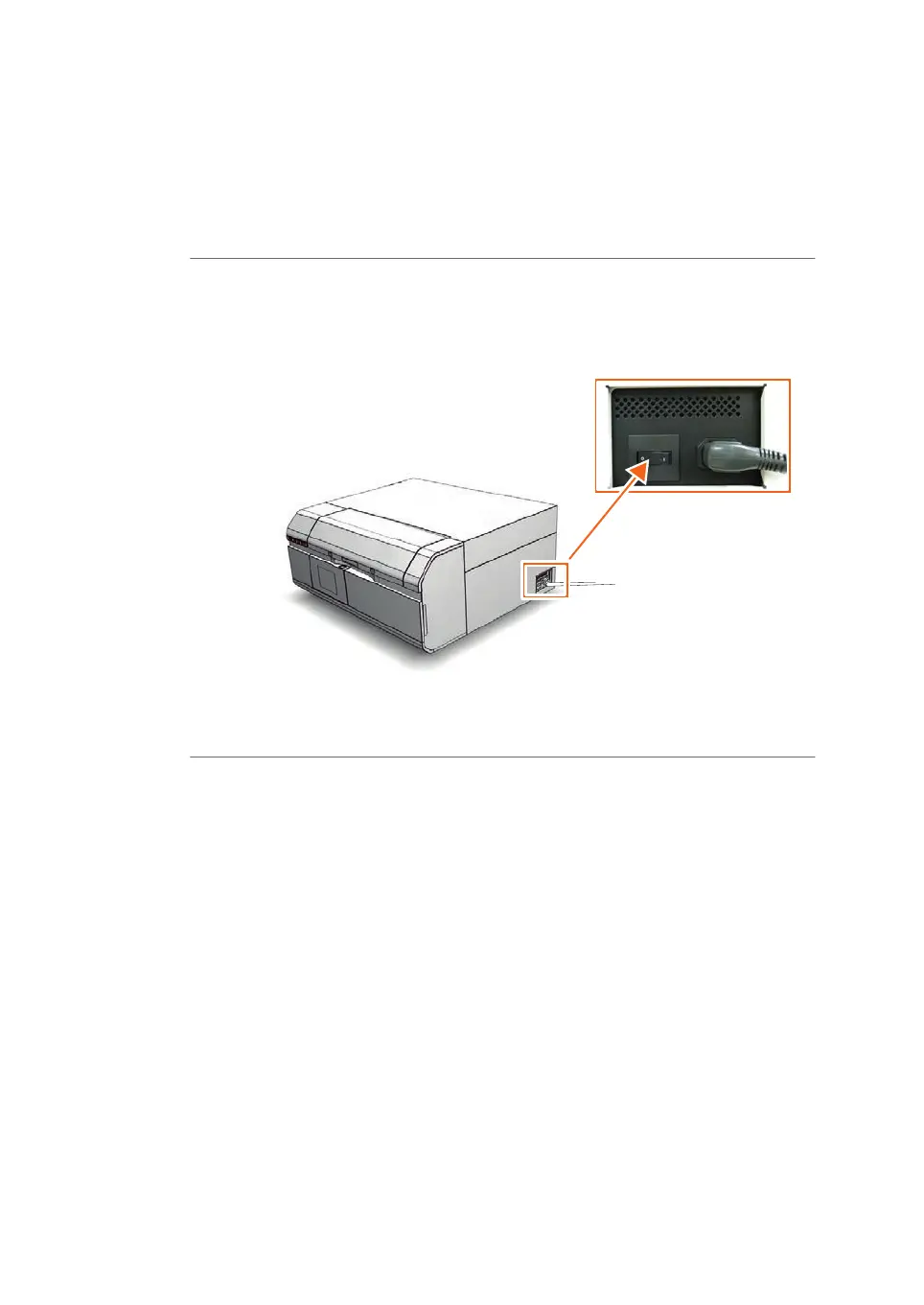
Click the Stop button in the Amersham Typhoon Control Software.1
Turn off the Amersham Typhoon scanner by switching the power switch on
the right side of the instrument to the O position.
2
Disconnect the power cord from the wall socket.3
34 Amersham Typhoon Operating Instructions 29193226 AC
2 Safety instructions
2.4 Emergency procedures



 To Next Page