Reference/DescriptionFunctionPart
See Instrument status, on page 64Instrument status6
See View Image, on page 65View image7
See Section 4.3 General settings, on
page 69
General settings8
Help button9
About the Amersham Typhoon Control
Software
Scanning mode tabs
The scanning mode can be chosen by clicking on one of the scanning mode tabs.
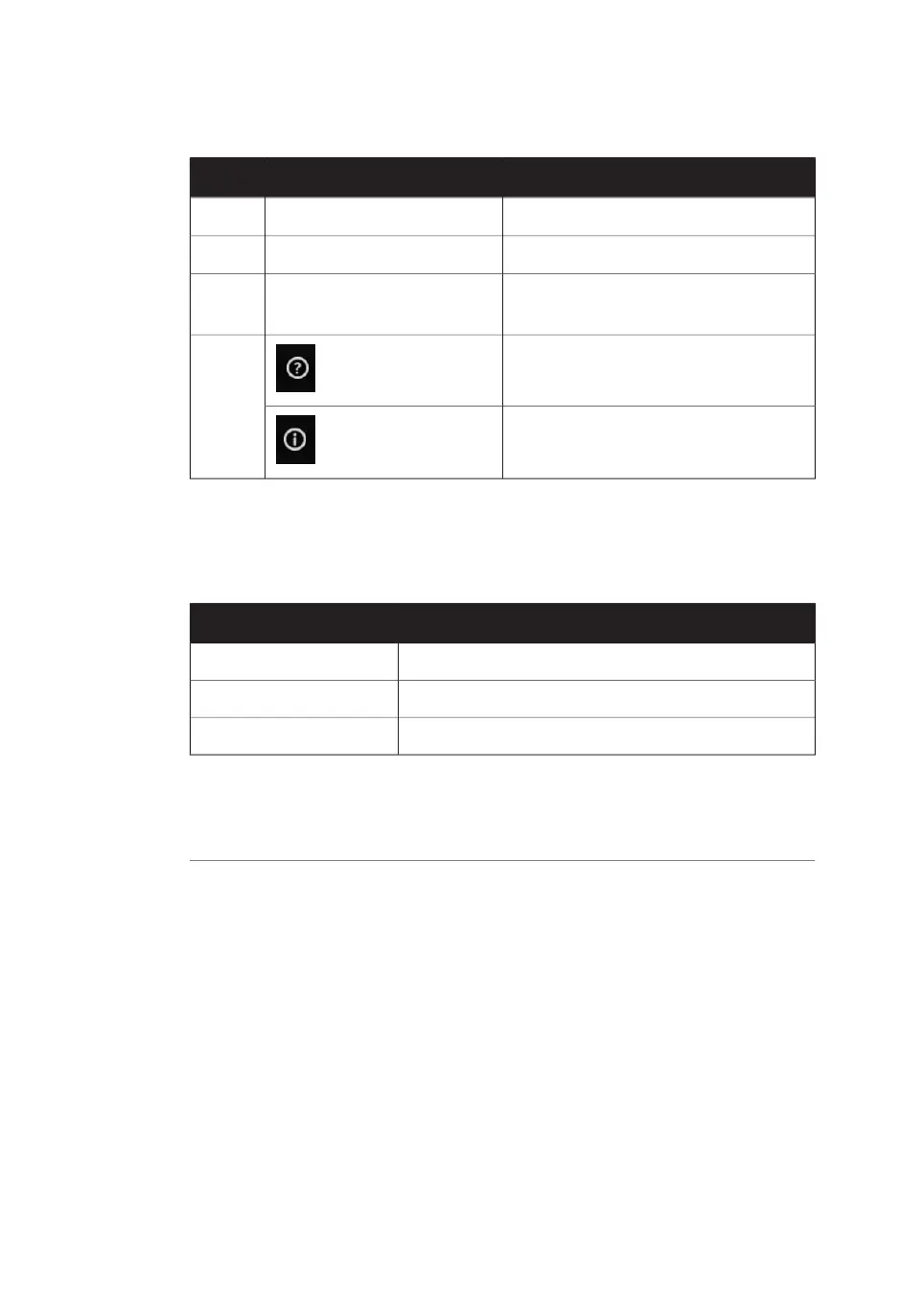
FunctionScanning mode
Opens the fluorescence imaging windowFluorescence
Opens the phosphor imaging windowPhosphor Imaging
Opens the densitometry scanning windowDensitometry
Depending on the chosen scanning mode, different options will be available in the Scan
settings pane. For examples of the different scanning mode windows, refer to Section 4.2
Scanning modes, on page 66.
Scan settings
Depending on the scanning mode, different scan settings can be chosen. All scan settings
are saved in a Method. There are several pre-programmed methods to choose from
when starting an experiment. If a method is edited by changing any parameter setting,
the user can save the new method with a new method name.
For more information about scan settings in the different scanning modes, refer to Sec-
tion 4.2 Scanning modes, on page 66.
60 Amersham Typhoon Operating Instructions 29193226 AC
4 Amersham Typhoon Control Software
4.1 Main window



 To Next Page