Image file settings
In the image file settings pane, the image file settings can be defined.
FunctionField
Displays the folder where the image file will be saved.Image folder
Specifies the folder where the image file will be saved.Browse
Specifies the image file name.
Note:
Details of the used laser and filter combination and the area
name (A, B, C, ...) are automatically added to the file name when
the file is saved. If the file name is not specified, it is automatically
set to date and time.
File name
Selects the image file format.Format(s)
An optional note can be entered. The note is saved with the
image file, and can be viewed with the ImageQuant analyzing
software.
Note
Displays the estimated scanning time.Scan time
Displays the total file size of the image files after scanning.Total file size
For more information about image file settings, refer to Section 4.5 Image file settings,
on page 76.
Method and scanning
FunctionButton
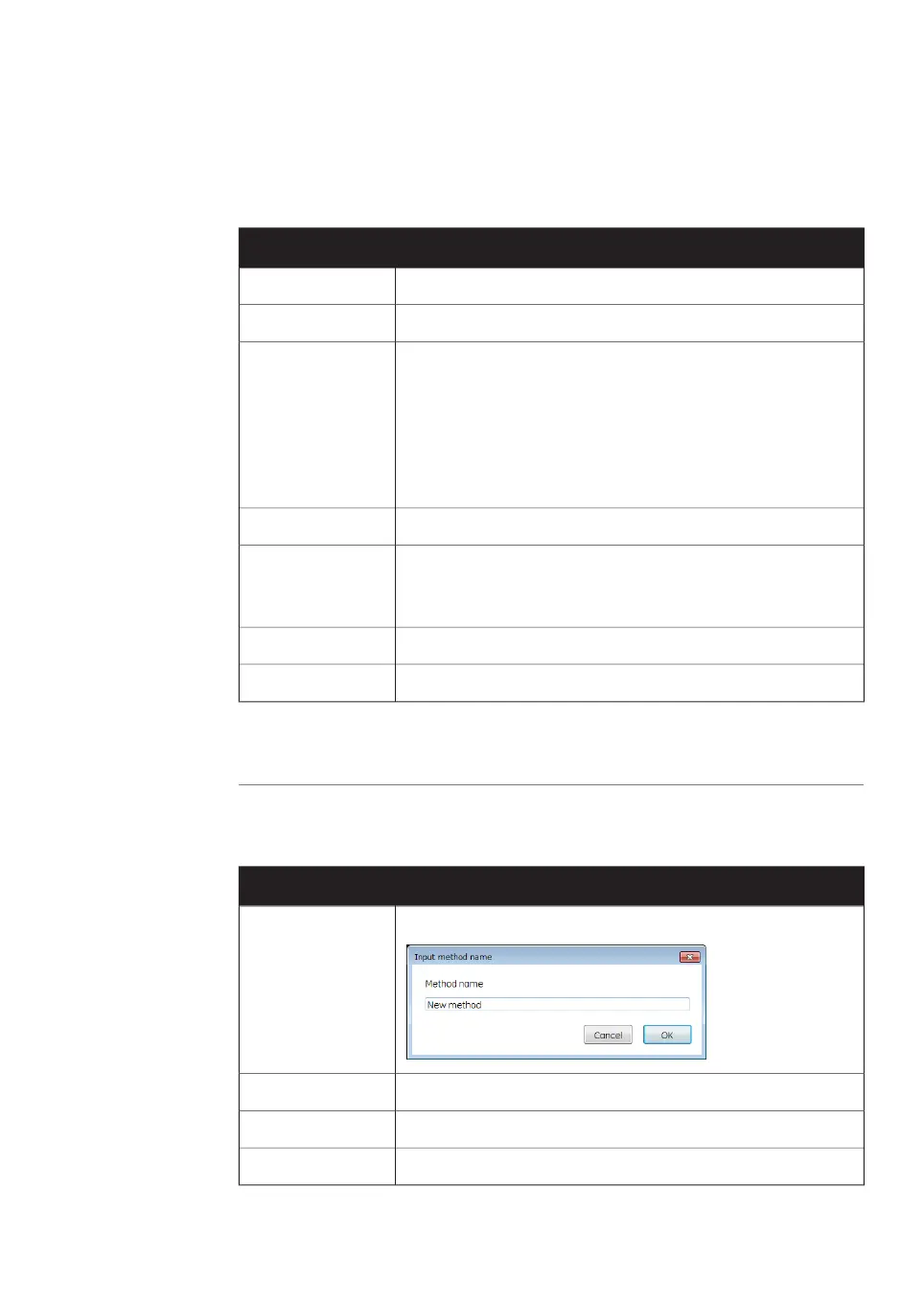
Opens the Input method name dialog box to save the methodSave Method
Deletes the methodDelete Method
Starts a pre-scanPre Scan
Starts a scanScan
Amersham Typhoon Operating Instructions 29193226 AC 63
4 Amersham Typhoon Control Software
4.1 Main window



 To Next Page