FunctionButton
Edit a laser and filter combination.Edit
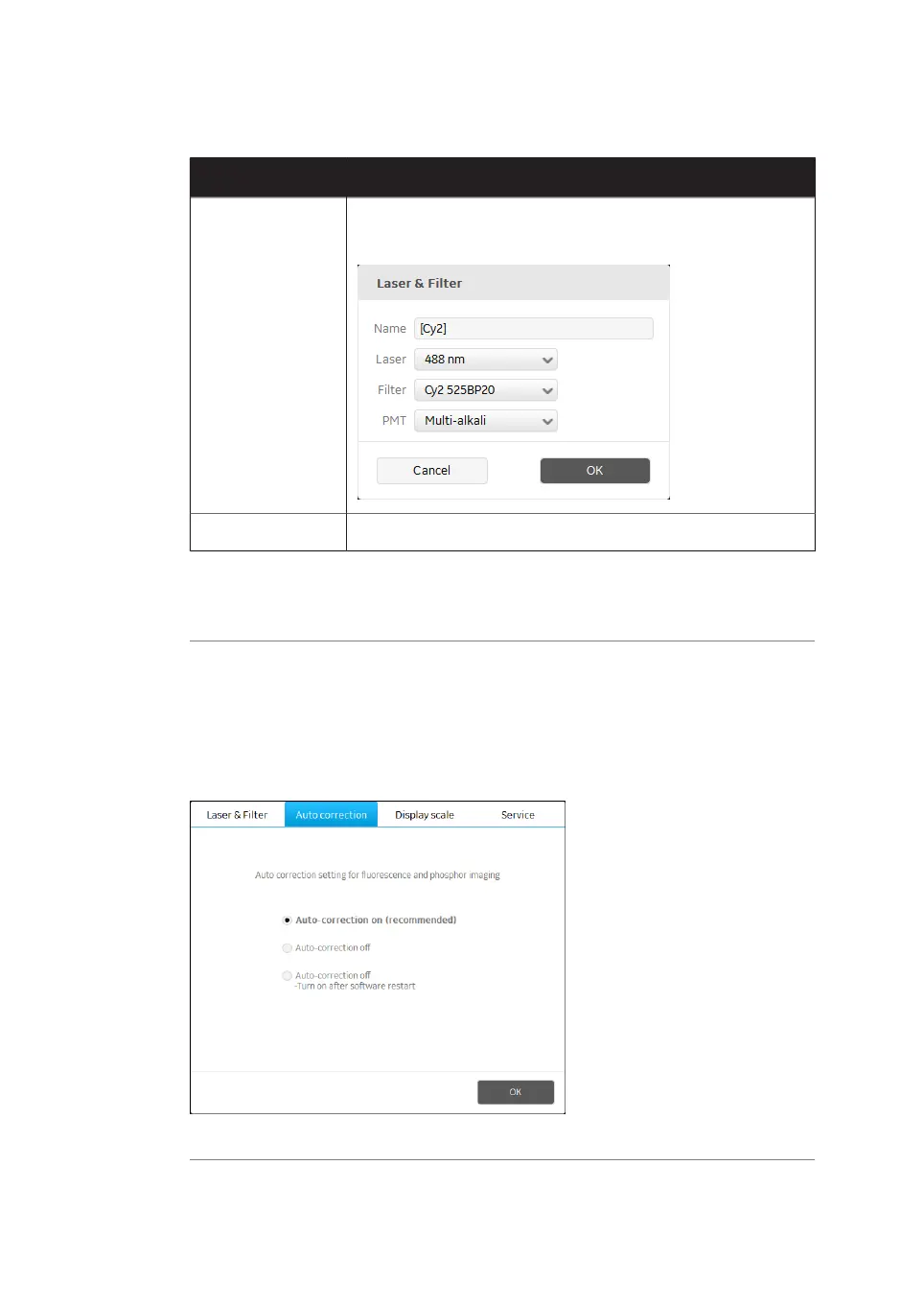
The following dialog opens:
Add a new laser and filter combinationAdd
The default laser and filter combinations cannot be edited or removed.
Note:
For fluorescence scanning, only the multi-alkali PMT can be used.
Note:
Auto correction
Amersham Typhoon scanner is installed with correction files. It is recommended to always
use the correction files (auto correction on). The auto correction can be turned off in the
General settings dialog on the Auto correction tab.
70 Amersham Typhoon Operating Instructions 29193226 AC
4 Amersham Typhoon Control Software
4.3 General settings



 To Next Page