Communication
CAUTION
•
Do not connect any USB devices other than the
Amersham Typhoon scanner to the computer in which the
Amersham Typhoon Control Software is installed. Malfunction
could result.
•
Use only the Amersham Typhoon Control Software during
scanning.
NOTICE
Any computer used with the equipment must comply with EN/IEC
60950-1, and be installed and used according to the manufacturer's
instructions.
ActionStep
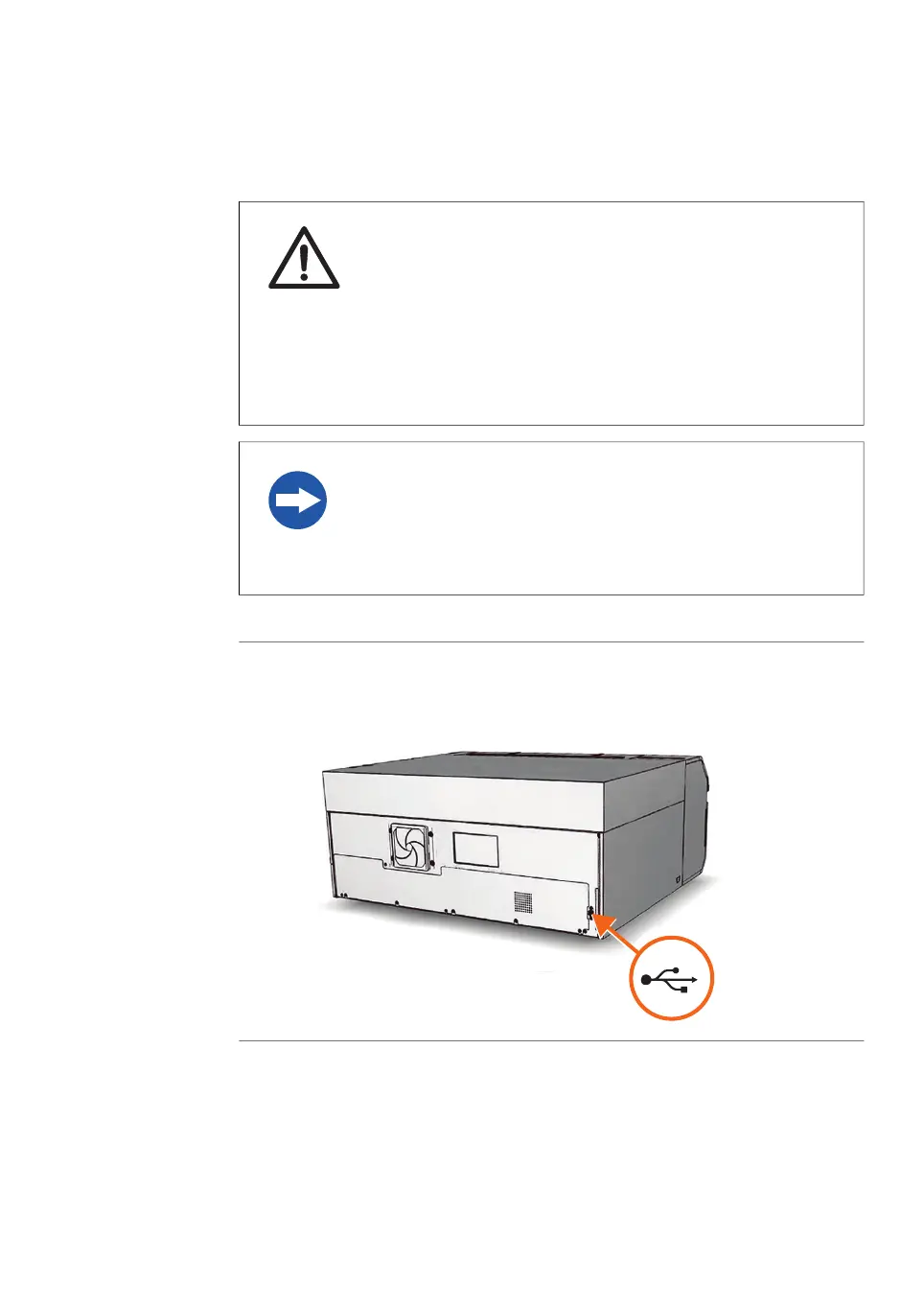
Connect a USB cable to the USB port on the rear side of the
Amersham Typhoon scanner.
1
Connect the other end of the USB cable to the USB port on the computer.2
Amersham Typhoon Operating Instructions 29193226 AC 89
5 Installation
5.4 Connections



 To Next Page