35
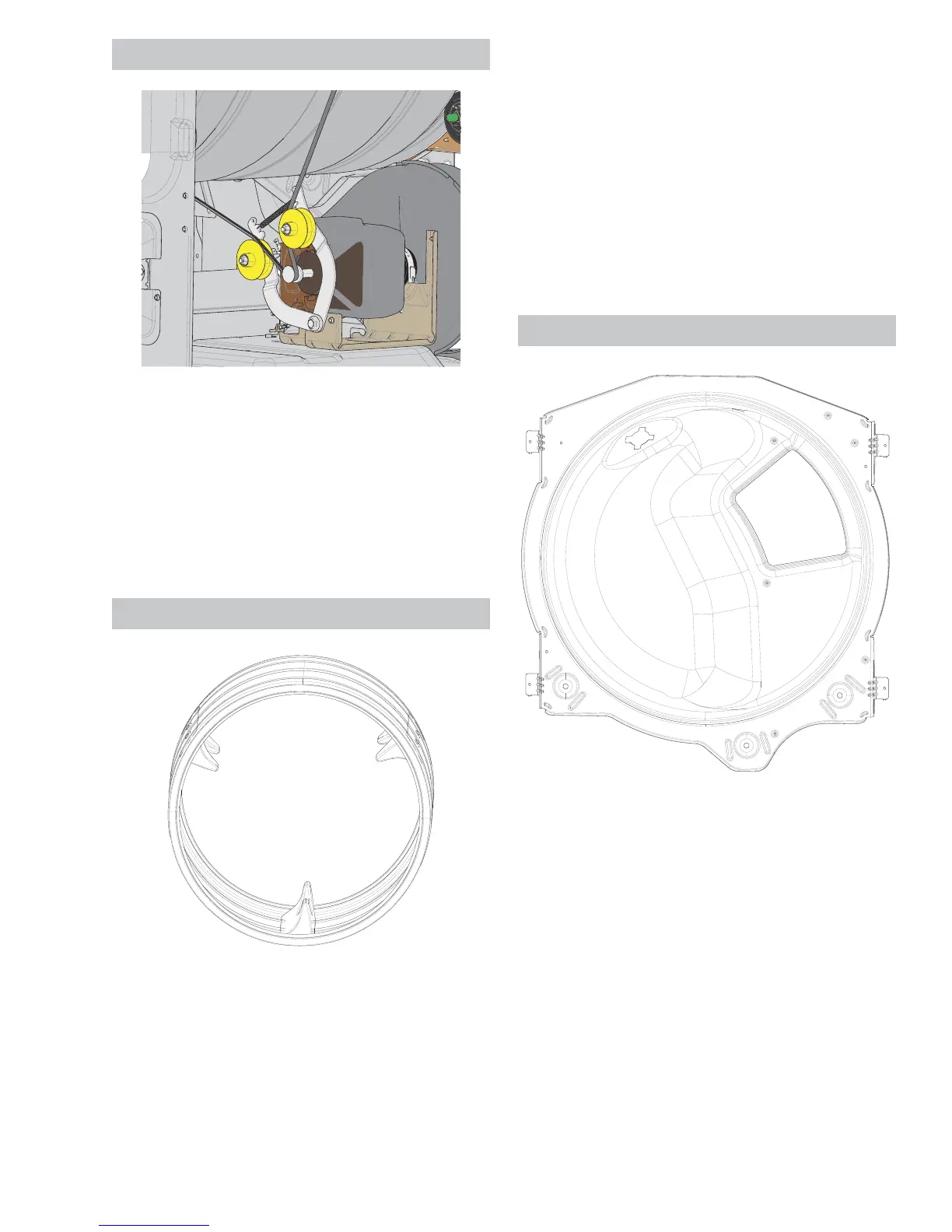
Drive Belt
Drive Belt Removal
1. Disconnect power from the unit.
2. Remove the control panel.
3. Remove the front panel.
4. Remove the front drum support.
Drum
The drum felt is a part of the drum and can not
be replaced separately. The drum can be installed
backward. When viewing from the front of dryer, the
EDȼHZLOOVORSHIURPLWVORZHVWSRLQWRQWKHOHIWWR
its highest point on the right as shown in the picture
above.
Drum Removal
1. Disconnect power from the unit.
2. Remove the control panel.
3. Remove the front panel.
4. Remove the trap duct.
5. Remove the drum lamp.
6. Remove the front drum support.
7. Remove the belt.
8. Pull the drum out from the front of the dryer.
Rear Drum Support
Rear Drum Support Removal
1. Disconnect power from the unit.
2. Remove the control panel.
3. Remove the front panel.
4. Remove the trap duct.
5. Remove the drum lamp.
6. Remove the front drum support.
7. Remove the belt.
8. Pull the drum out from the front of the dryer.
9. Remove the rear panel.
10. Remove the rear duct.
See Control Panel Removal on page 20.
See Front Panel Removal on page 24.
See Control Panel Removal on page 20.
See Front Panel Removal on page 24.
See Trap Duct Removal on page 38.
See LED Drum Lamp Removal on page 33.
See Incandescent Drum Lamp Removal on
page 34.
See Front Drum Support Removal on page 34.
See Control Panel Removal on page 20.
See Front Panel Removal on page 24.
See Trap Duct Removal on page 38.
See LED Drum Lamp Removal on page 33.
See Incandescent Drum Lamp Removal on
page 34.
See Front Drum Support Removal on page 34.
See Rear Panel Removal on page 26.



 To Next Page