73
GE Title or job number
11/26/2013
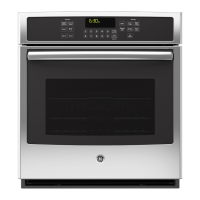
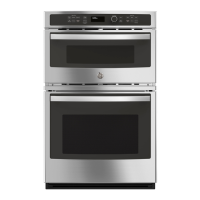
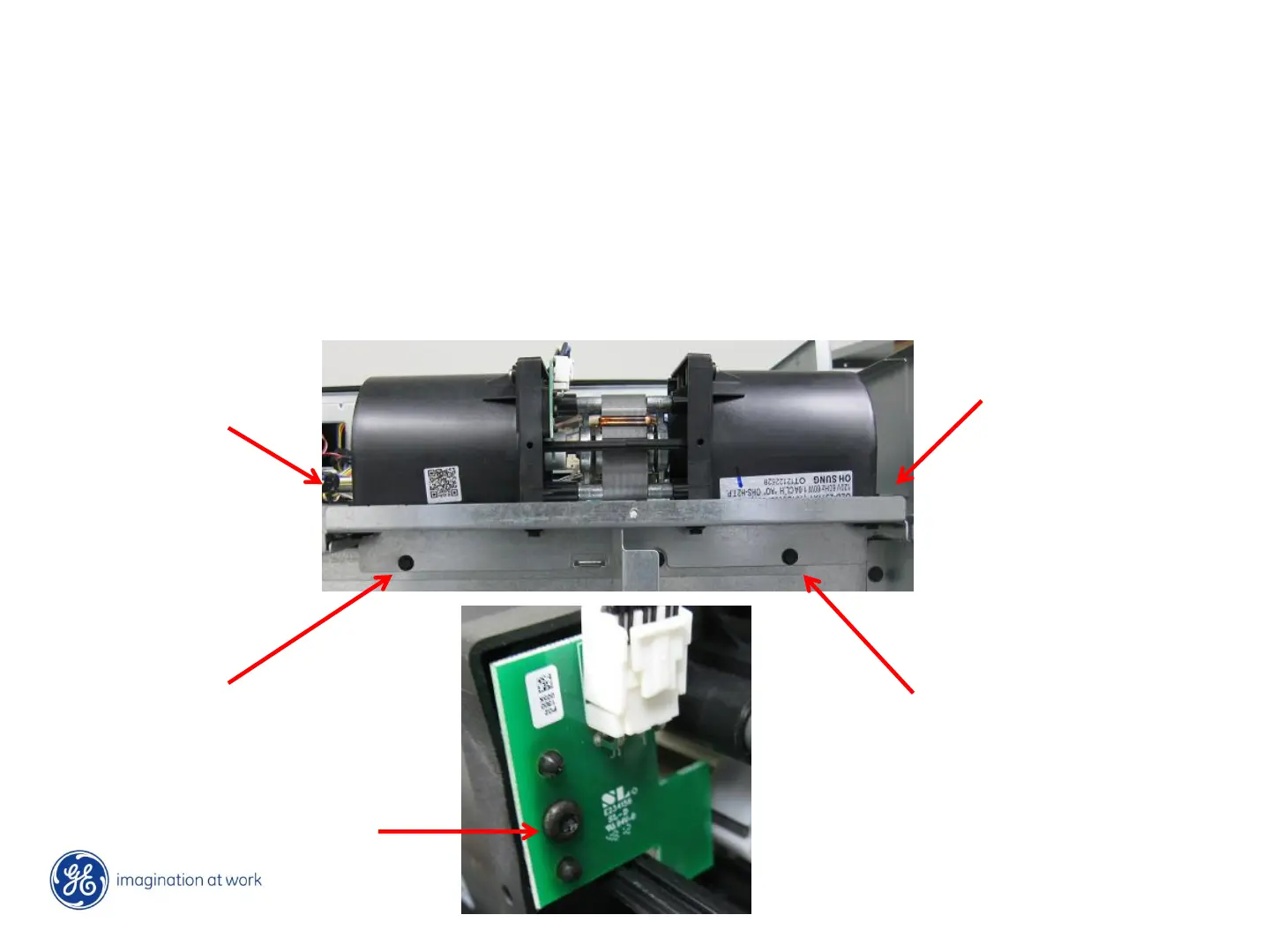
Cooling motor – top double or single oven
Remove oven from cabinet, with power removed (LOTO) remove screws securing rear wire
covers, this will give you access to wiring of elements, convection fan motor, thermal limit
switch(es), cooling fan motor and cooling fan motor “FAD” board.
To access cooling fan motor, remove screws securing top cover and cover above motor 4 – ¼”
screws hold fan motor bracket to frame. If just replacing “FAD” board, remove 1 - T10 torx from
board.


 To Next Page
 Loading...