June 2003
2-6 Basic Programming
Screen and Key
Functions (cont.)
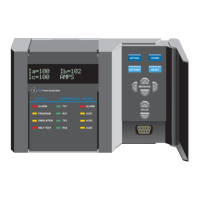
The keypad to the side of the screen consists of 16 keys, including the
[.] and [-] symbols, two arrow keys, and two response keys: [YES]
and [NO]. The numeric keys are for numeric entry only; however, the
arrow and response keys have more than one function.
The arrow keys perform two functions:
• Use either arrow key to move the screen pointer to the desired
location for data entry.
• Use the left arrow key as a backspace during number entry.
The response keys perform three functions:
• Use either the [YES] or [NO] key to respond to questions.
• Use the [NO] key to erase data.
• Press [YES] to confirm a number entry or after erasing data to
retrieve the previous number.
Entering the Passcode The Settings Menu is the only menu that requires a passcode. The
passcode is a four-digit number that enables only authorized users to
enter setup data. The Series 1 prompts you to enter the passcode when
you enter the Settings Menu. See the end of this chapter for your
default passcode.


 To Next Page
 Loading...