Query Menu
The query menu allows you to retrieve and
view recent events, prices or messages
from your utility company.
To connect to your utility network:
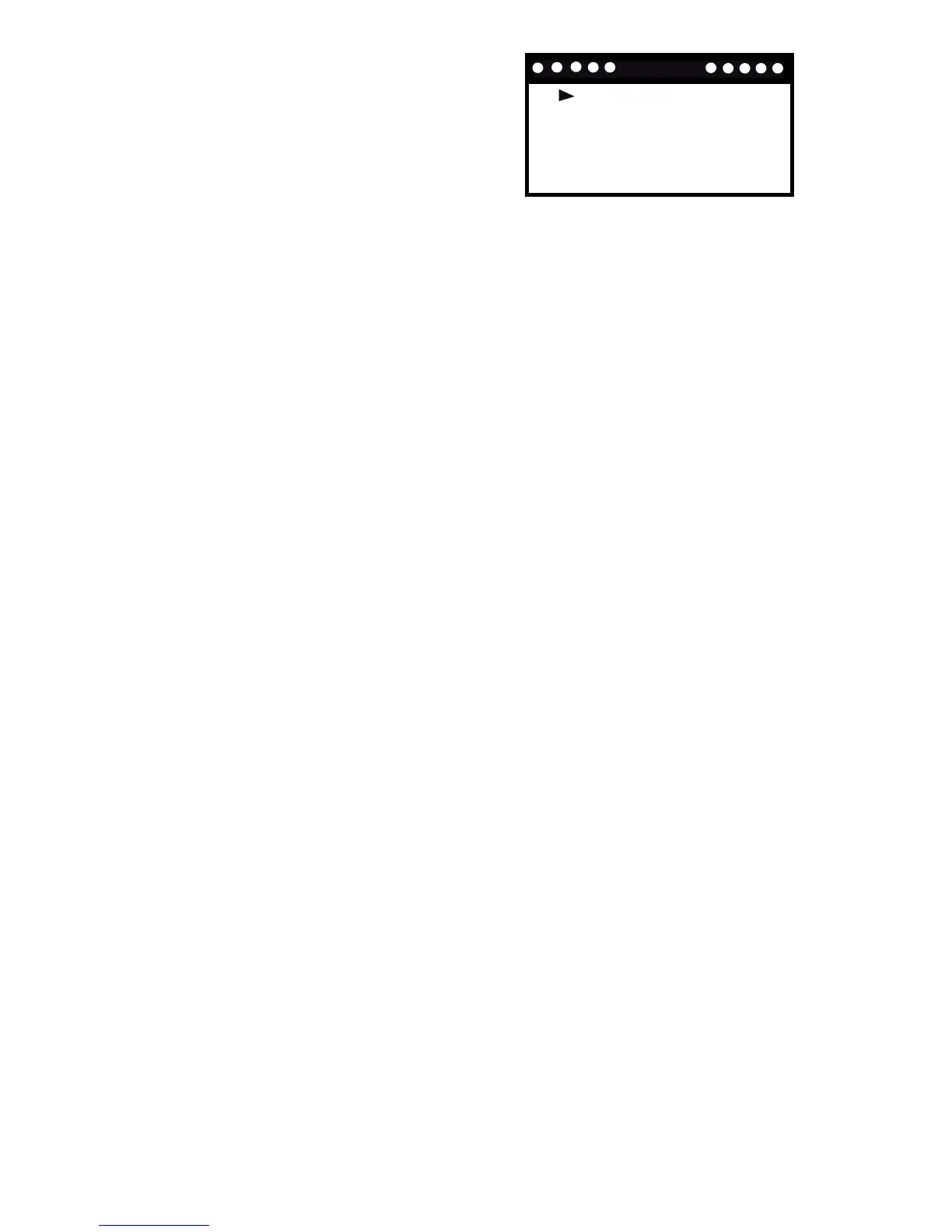
1. Select and enter the Query Menu and
the screen to the right appears.
2. Press UP or DOWN to scroll through the on screen queries and press
SELECT to enter the menu option.
• Get current price – When you select this option your request to be
notied of the current price options will automatically be sent out.
• Get schedule price – Follow the same steps as ‘Get event’ to
automatically send out your request for the schedule price.
• Get last message – When you select this option your request to be
notied of your last message received will automatically be sent out.
Note:
• If ‘Please join network rst!’ appears on the display, you need to connect
your thermostat to the utility network (see the Networking menu section
for details). Press MENU to return to the previous screen.
• A reply to your query should be received within 15 seconds.



 To Next Page