8
Program Menu
To edit the time and temperature settings for any day of the week:
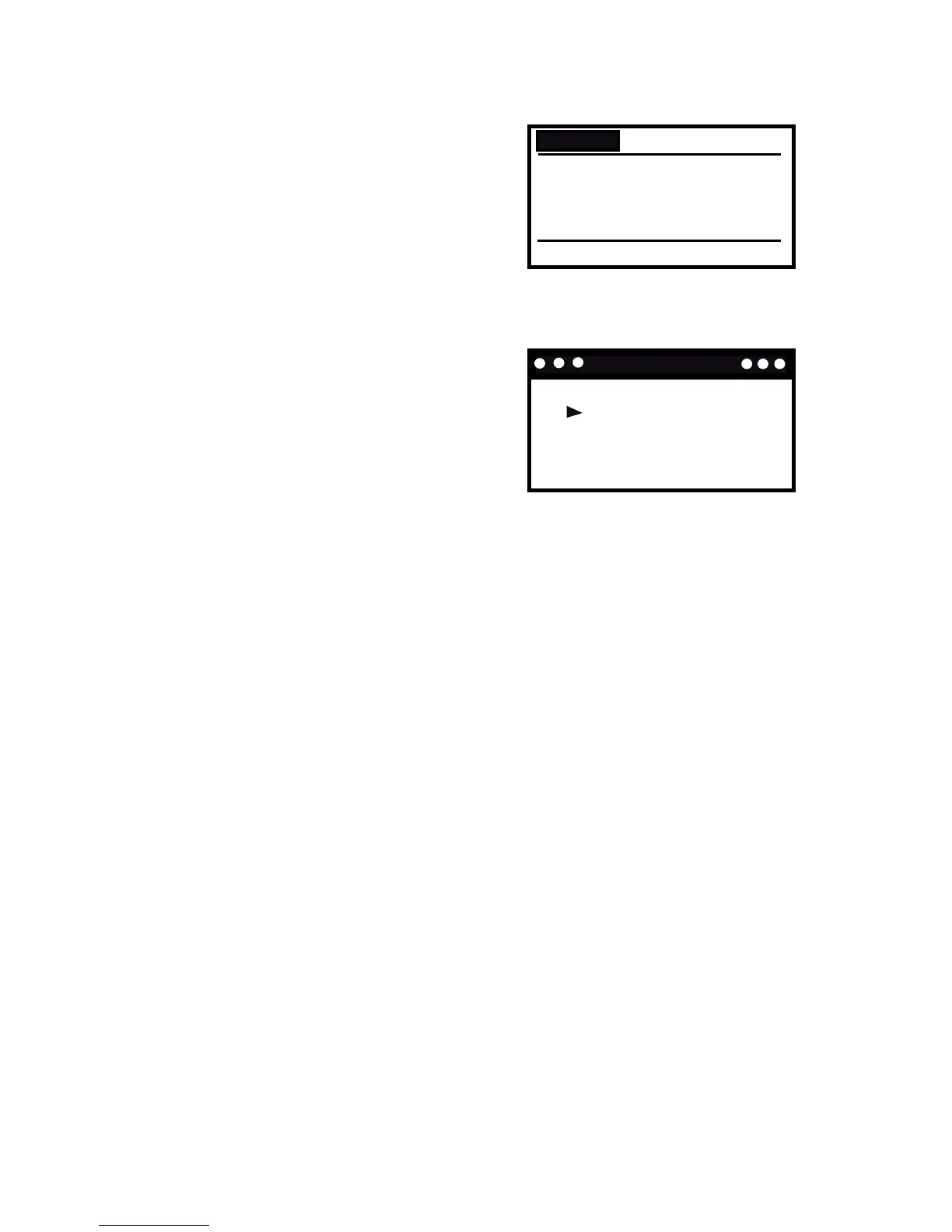
1. Select and enter the Program Menu
and the screen to the right will appear.
2. Press PREV or NEXT to scroll through
the settings and press UP or DOWN to
change a setting.
3. Press MENU to conrm and return to
the previous screen.
To copy or reset a program:
1. Select and enter the Program Menu.
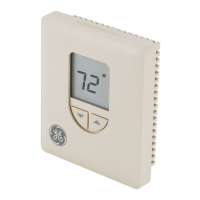
2. Press INFO while displaying the screen
you wish to copy and the screen to the
right appears.
3. Use PREV or NEXT to select ‘Copy
Program’ or ‘Reset program’ and press
SELECT to conrm.
If you selected ‘Copy Program’, you will see a square next to the day
you wish to copy. Use the UP and DOWN buttons to select a the day
that you wish to copy the program to and want the program settings
to be copied to and press SYS until the ‘N’ changes to a ‘Y’. This can be
done for multiple days. Then press SELECT and ‘Successfully Copied’
displays.
If you selected ‘Reset program’, ‘Are you sure you want to RESET the
program?’ appears. Press SELECT to conrm or MENU to exit and return
to the previous screen. When you reset the program, all the Program
menu settings return to the factory default settings.



 To Next Page