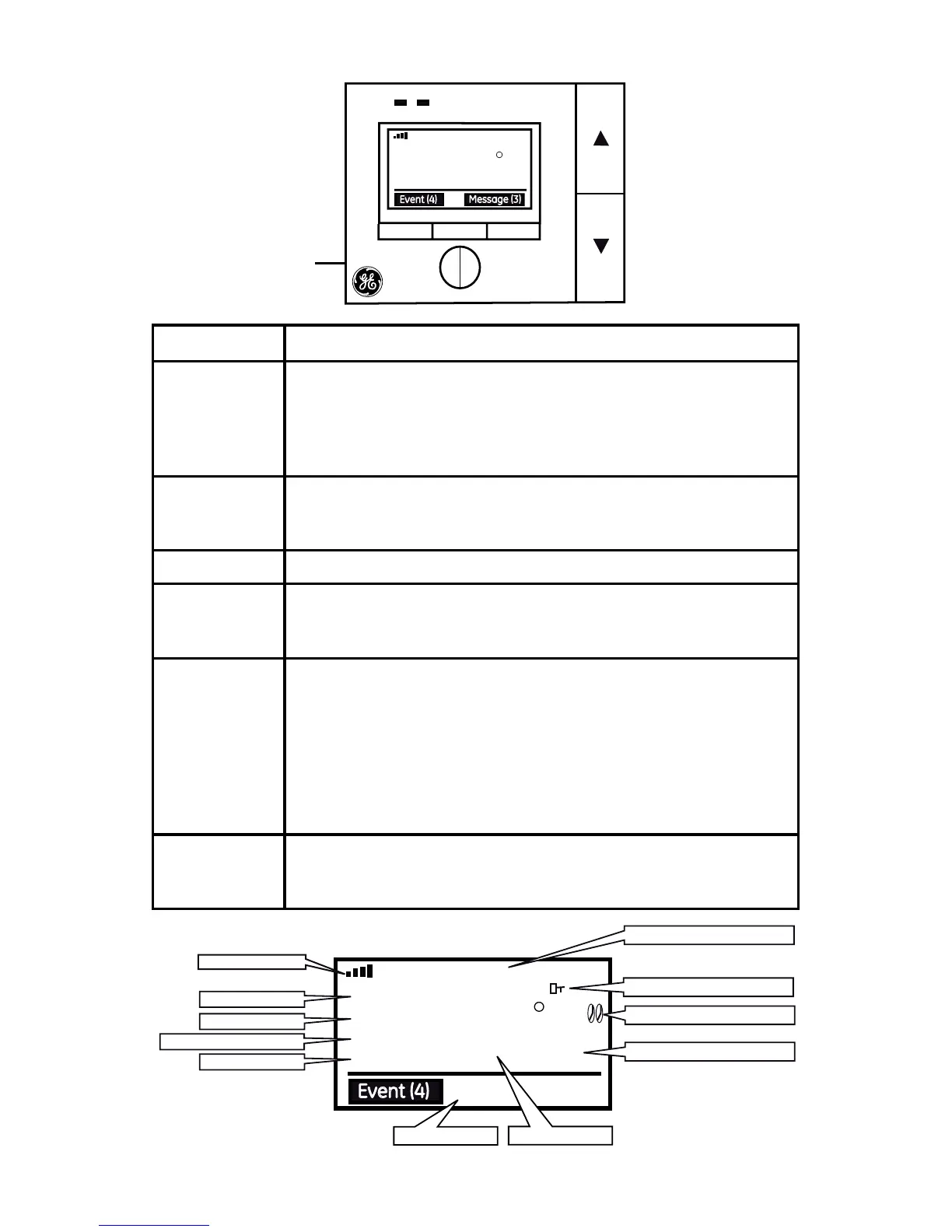
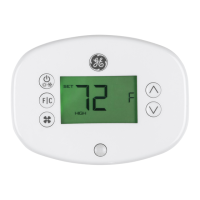
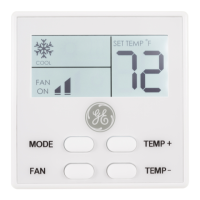
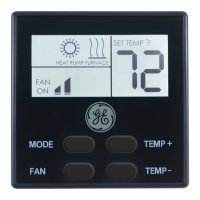
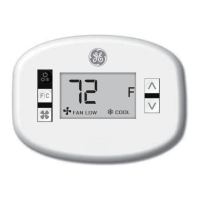
Key Function
Up/Down • Increase/Decrease a parameter in program mode
• Increase/Decrease temperature setting
• Change system/fan mode setting
• Temporary override
• Lock/Un-lock the keys by pressing both up and down.
Prev/Next • Enters system/fan mode (COOL, OFF, HEAT)
• All menu navigation
• Toggle between fan settings and mode settings
Reset • Power cycles the thermostat
Menu • Enters Navigation menu
• Save current menu settings and return previous menu
screen
Select • Enter sub-menu
• Conrm current menu setting which include, but not limited
to below functions:
• Temporary or permanent override of Demand
Response events.
• Scan/Join/exit Zigbee network
• Get current utilty price and message
• Conrm message or conrm cancel message
Info • Provides information which includes but is not limited to:
• Demand response events list, price list, message list,
device info
Reset
Button



 To Next Page