9
Screen Message
Description
Unit
Changes the display measurement from Celsius to
Fahrenheit or vise-versa.
Span
Changes the temperature span to 0.5°, 1.0°, or 2.0°F.
Fan
The fan will continue to run for 0, 30, 60 or 90 sec-
onds after cooling is turned off.
Filter
Sets a time (up to 500 hours) for the system to
remind you to change or clear the fan’s lter.
Default
If you select this option, ‘Are you sure to RESTORE
all settings to factory default’ displays. Press
SELECT to conrm or MENU to exit and return to the
previous screen.
Time Source
Changes the time source to either user setting or util-
ity setting. If the Network setting is selected, press
Info to obtain the network time. It will be reected on
the Home Screen.
Time
Changes the time. Only visible if Time Source is set
to Setting.
Date
Changes the time. Only visible if Time Source is set
to Setting.
Setup Menu
To edit the Setup menu:
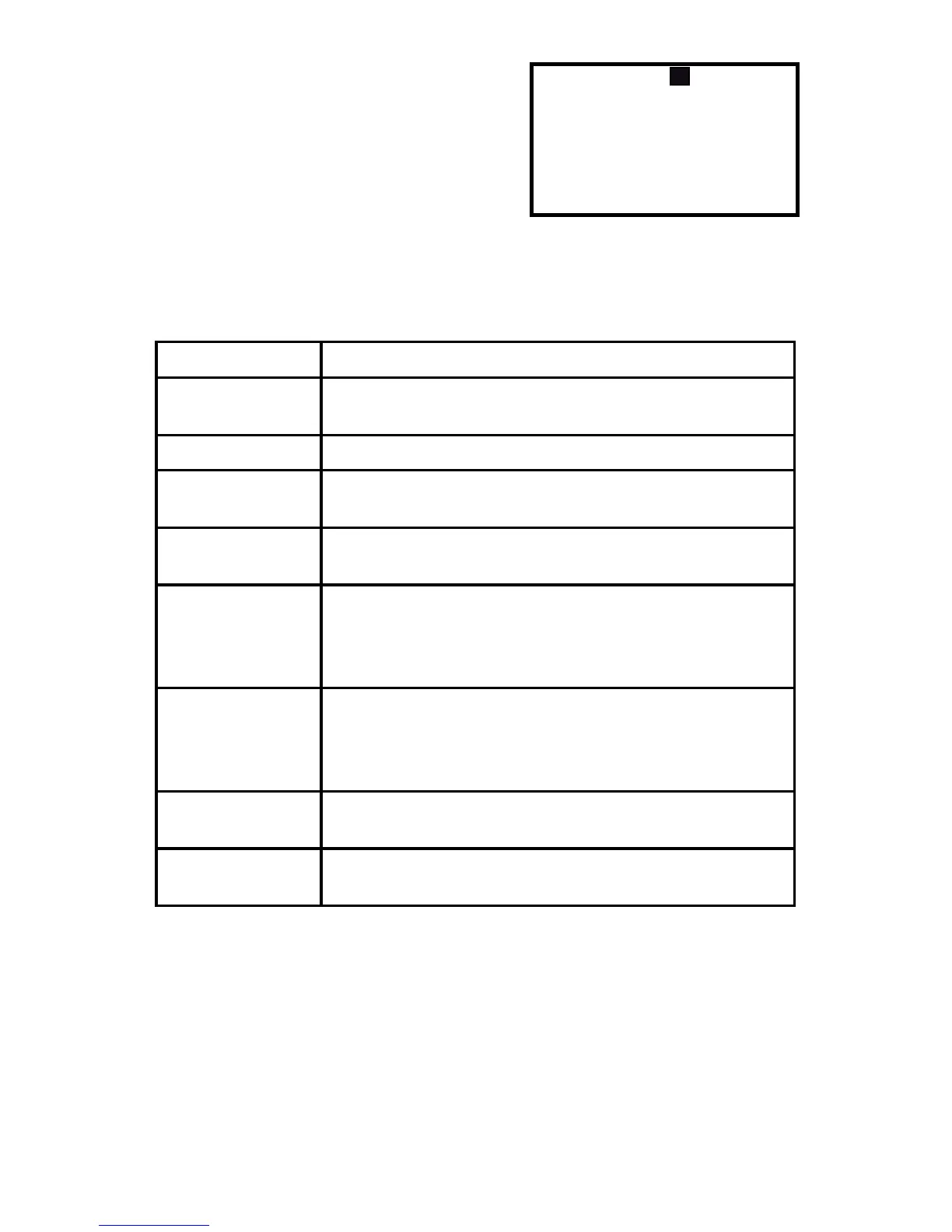
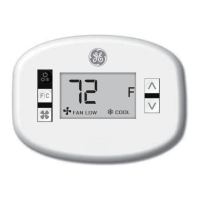
1. Select and enter the Setup Menu and
the screen to the right will appear.
2. Press PREV or NEXT to scroll through
the settings and press UP or DOWN to
change a setting.
3. Press MENU to conrm. Here is a list of
what the Setup menu settings mean:



 To Next Page