13
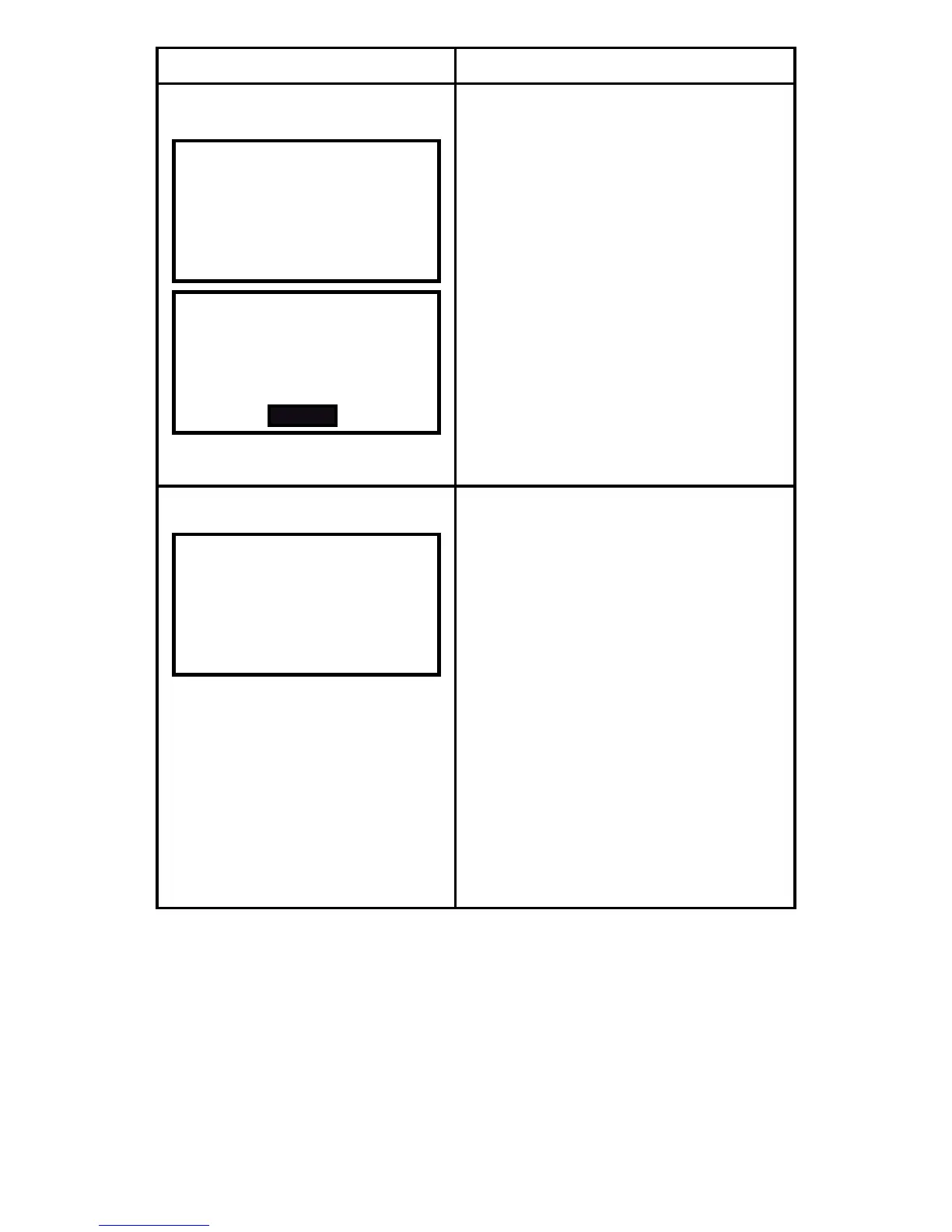
Screen Message
Description
A message
Network Information
Your utility company will send you a
wide range of messages.
If the utility company asks you to
conrm a message or conrm your
cancellation command from a previ-
ous message, press SELECT to
conrm.
CHANNEL - Write down your
channel number and put it in a
safe place. It may be useful if you
need to reconnect to the network.
SHORT/PAN/EPAN/EUI64/FIRM/
HVAC - if you phone for support
you may be asked to provide
these codes.
2. When viewing any of these screens look in the top right hand corner
to see how many pages there are, i.e., 1/2. Use the PREV and NEXT
buttons to scroll through all the pages.



 To Next Page