GE
D
IRECTION GB091046, REVISION 2 VIVID E9 / VIVID E7 BT’13 SERVICE MANUAL
Chapter 5 - Components and functions (theory) 5 - 5
5-2-4 Initiating a Request for Service (RFS)
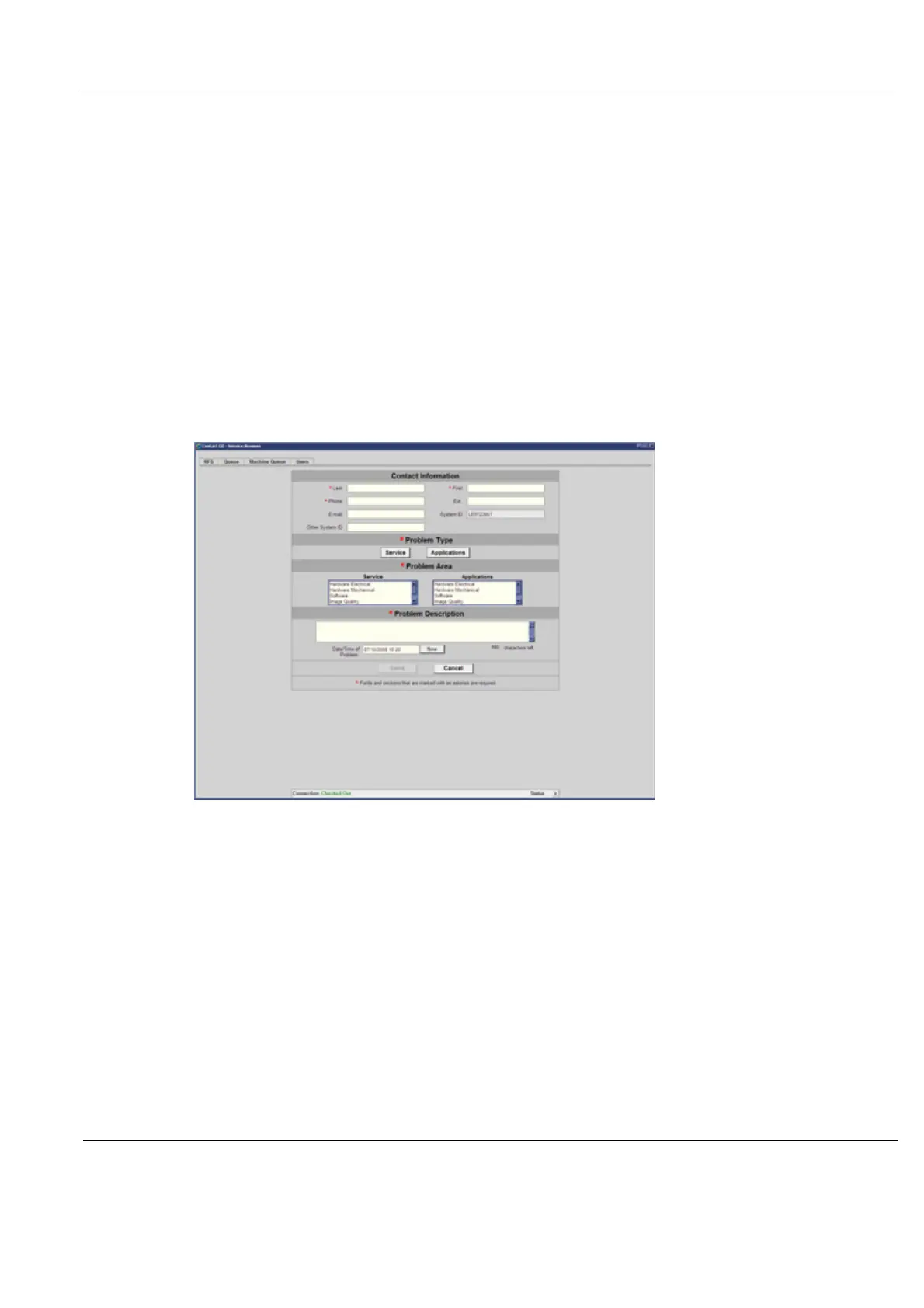
To initiate an RFS
1.) Position the Windows pointer on top of the GE InSite ExC icon at the bottom of the display.
2.) Press the Right Trackball Set Key. This opens of the RFS screen which sends a service dispatch
directly to GE Service after you fill in the following information:
- Items with a red asterisk
- Problem type
- Problem area
- Problem description
-Send
3.) After you have completed filling in all of this information, press Send to initiate the Request for
Service.
Figure 5-3 Request for Service Contact Information



 To Next Page