GE
D
IRECTION GB091046, REVISION 2 VIVID E9 / VIVID E7 BT’13 SERVICE MANUAL
Chapter 8 - Replacement procedures 8 - 61
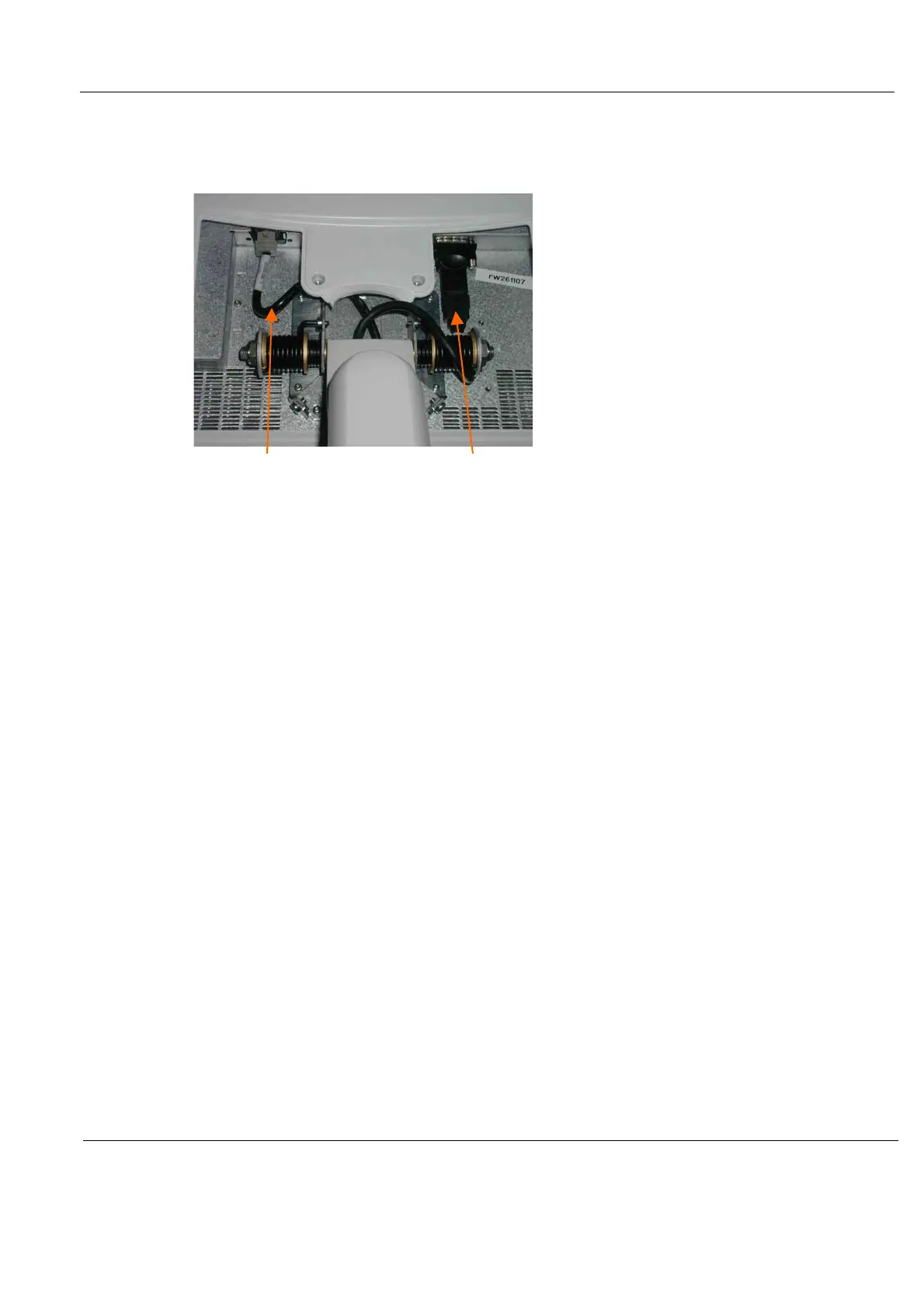
8-6-1-3 Disconnect the 17” LCD Monitor Cables
1.) Disconnect the two cables.
2.) Tilt the monitor back to vertical position.
Figure 8-38 Disconnect cables
POWER/USB CABLE
HDMI CABLE



 To Next Page