11
1- Handset On/Off
When the handset is placed on the charger it automatically switches ON.
Otherwise press key until it switches ON
To turn the handset off, press key until 'Good Bye' appears. The LCD
display will then switch off .
2- Key lock
When this feature is turned on, all buttons except for ,will be locked and will
not function.
Incoming or intercom calls can be answered by using any buttons on the
telephone. However, when you complete the call and hang up, the telephone
returns to lock mode.
This feature is useful to avoid pressing buttons by mistake.
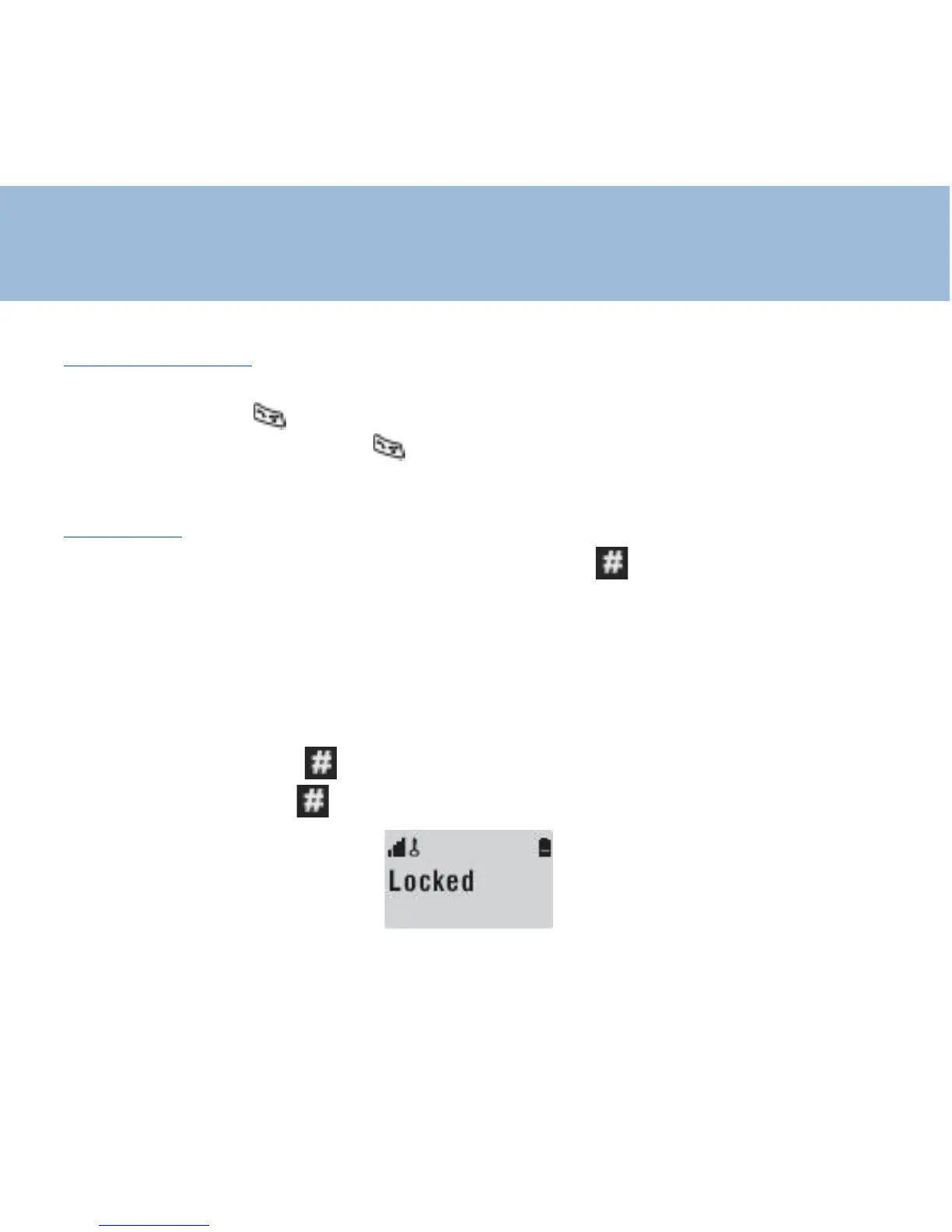
Switch lock On: Press . until "locked" appears in the LCD display
Switch lock Off: Press . until "locked" disappears from the LCD
Using the phone















 To Next Page