12
3- Receiving a call
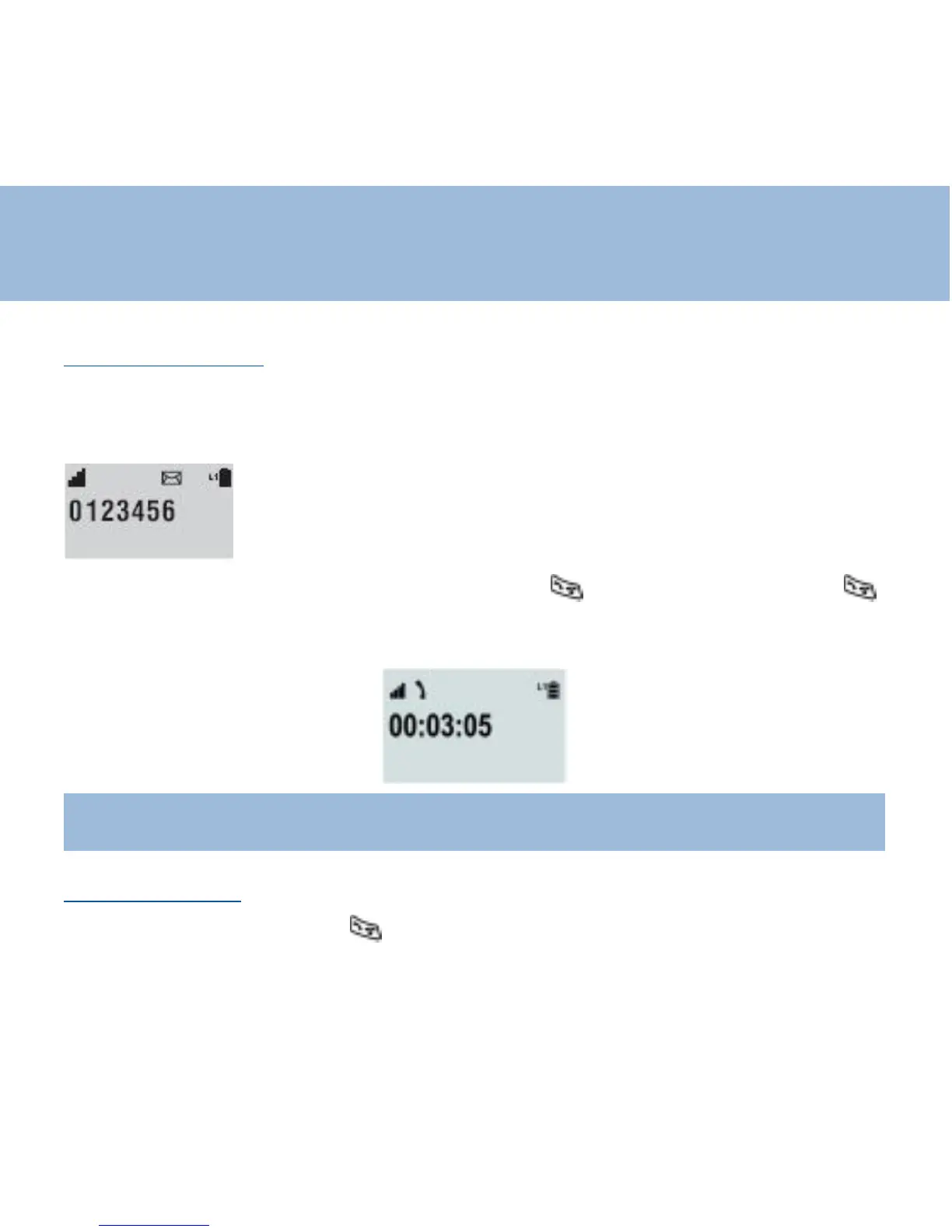
When an incoming call is received the telephone rings and the L1 icon will flash on
the LCD display. If the caller can be identified (due to subscription to a Caller
Display service), the caller's telephone number will be displayed
If the handset is in the base , lift it up and press key otherwise just press
key
During the conversation the LCD screen displays the connection time
Note :
If you have an incoming call with the keypad locked , it is automatically
unlocked
4 - Making a call
Pick up the handset , press key , When you hear dialing tone, dial the
number on the keypad.
Using the phone















 To Next Page