25
6 - Base melody setting
You can change the melody of the base , you have 3 choices
Use and to select "BS setting"
Press OK
"Base PIN" is displayed
Enter 1590 or your new code if you changed it , then press OK
Use and to select "Base Melody" , then press OK
Use and to select your melody1 to 3 , you also can set the ringer OFF ,
choice 0
Press OK
Press twice C or once to return to standby mode
6 - Base volume setting
After you have chosen the melody, you can also adjust the volume
Use and to select "BS setting"
Press OK
"Base PIN" is displayed
Enter 1590 or your new code if you changed it , then press OK
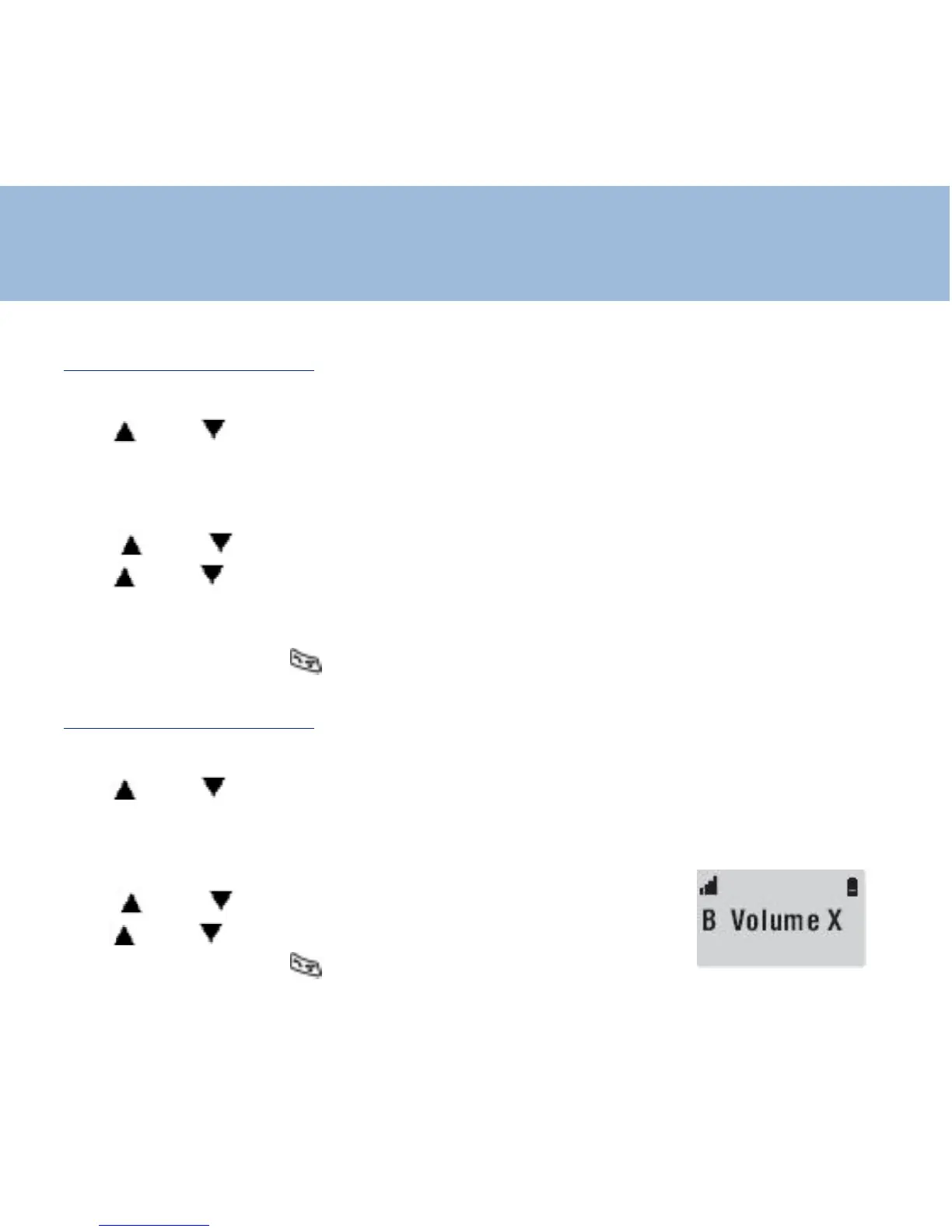
Use and to select "Base Volume" , then press OK
Use and to adjust the volume ( 1 to 4)
Press twice C or once to return to standby mode
Base Setting















 To Next Page