15
Using the phone
10 - Paging the handset
If you wish to locate the handset : press on the button of the base
All registered handsets will be paged and will ring for about 30 seconds . Press any
button on the located handset to stop paging mode or press again
11 - Direct call
You may record one number in the memory " Direct call". This number will be able
to be automatically dialled whatever the key pressed.
This function is useful for a young child unable to dial a normal number or a person
alone with a slight handicap
To validate the function :
Use and to select "HS setting" Press OK
Use and to select "Direct call"
Press OK
Enter your desired number
Press OK to confirm or use C key to modify
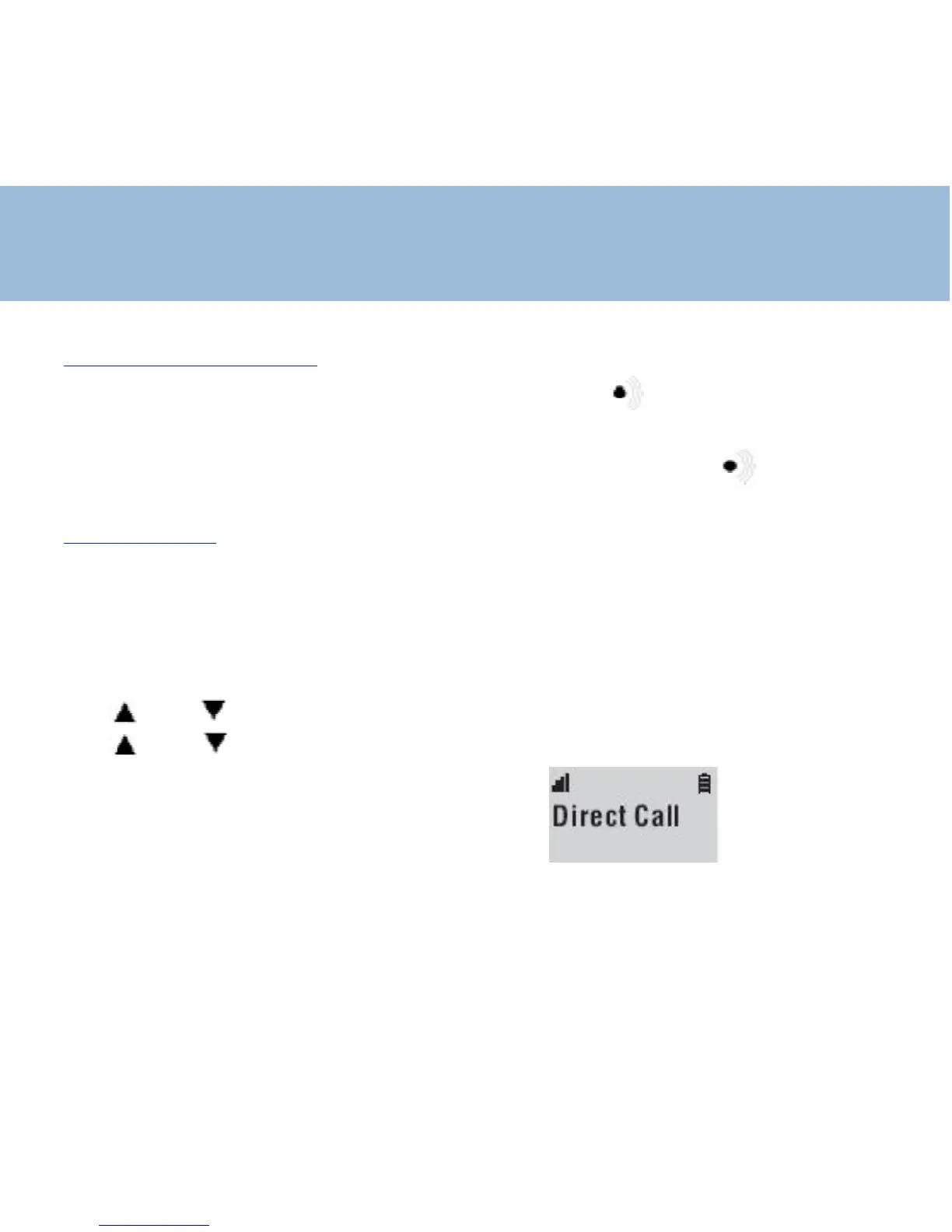
The screen display "DIRECT CALL"
To disable the function press twice quickly on "R" key















 To Next Page