15
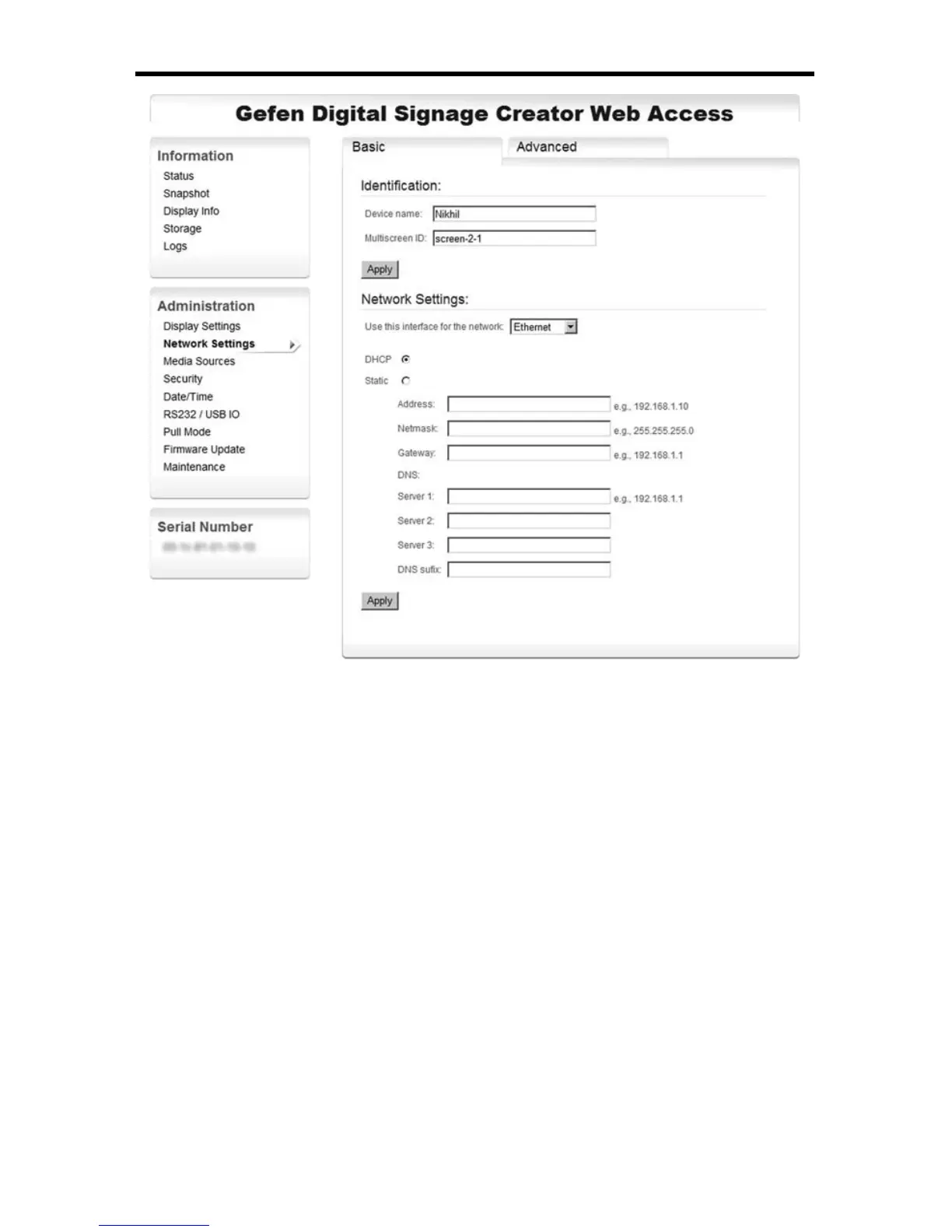
AUTOMATIC DHCP CONFIGURATION
Troubleshooting
Once the device has rebooted, you can check the new confi guration by
accessing the HTTP server. Note that you need to use the new IP address of
the device name this time. If you are not able to connect to your EXT-DSC unit
after modifying the IP confi guration, please read the following suggestions before
contacting the Gefen support team.
1. Check the LED on your EXT-DSC unit.
► If the led is blinking once per second in orange color and the red led
is bright on then your EXT-DSC unit has been confi gured to activate
DHCP but no DHCP server has been detected on your network. Make
sure your DHCP server is working correctly.
► If the green led is blinking fast (several times per second) then your
EXT-DSC unit is in recovery mode. In this case, unplug and power up
again the EXT-DSC unit. Wait about 1 minute to complete the booting
procedure and check the led again. If the EXT-DSC unit remains in
recovery mode then contact Gefen Technical Support.
2. You don’t have a DHCP server



 To Next Page