23
ENGLISH
14.2.4 Set number of people
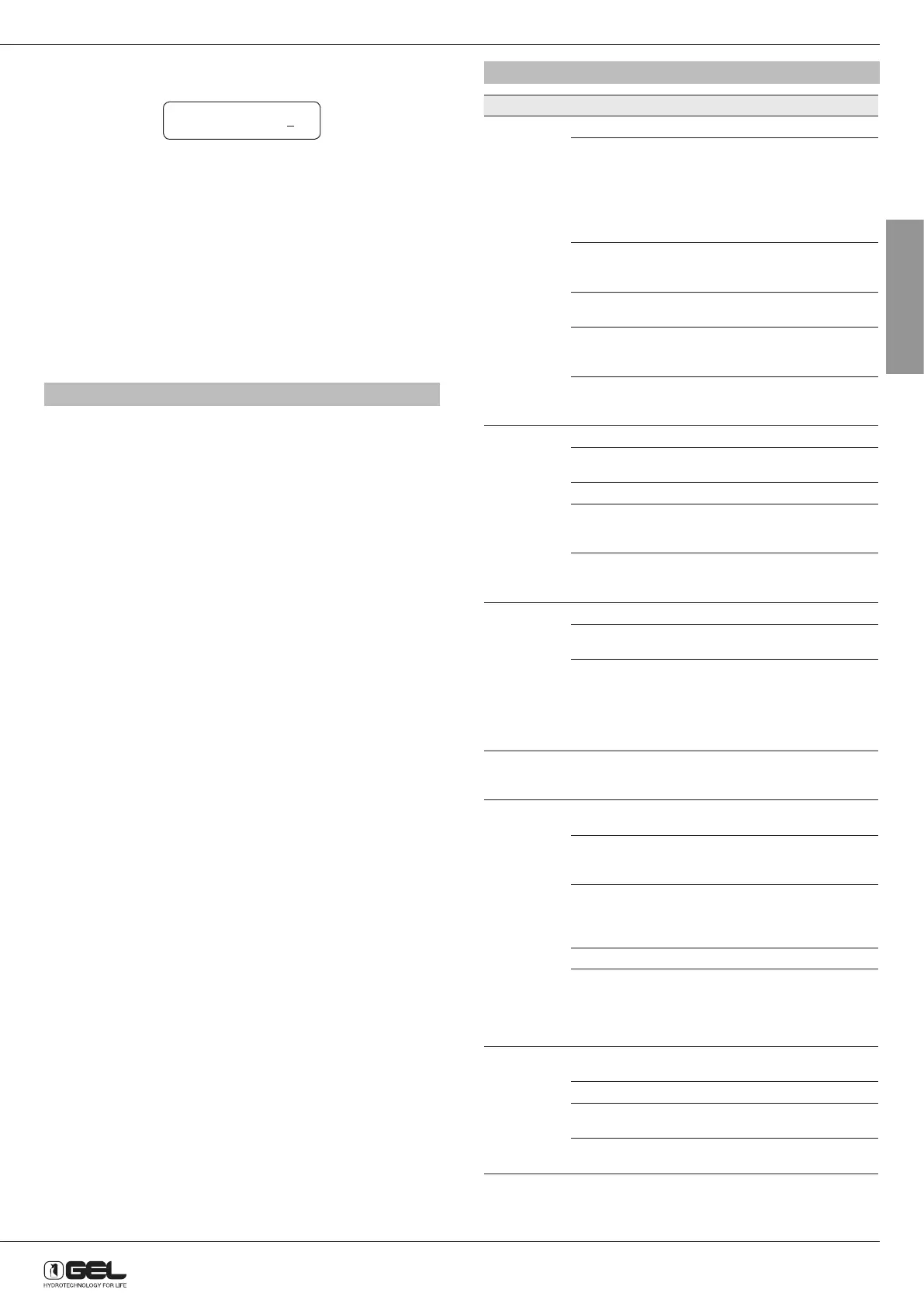
Display shows:
The cursor shows the number to be changed (from 0 to 9), so press C
button to change the figure and S button to move cursor.
Repeat for all figures until the number of people using the softener is
displayed.
Note: The water reserve depends on the number of people set. 280 litres
of water are subtracted for each person set.
Example. The softener is set to regenerate at 2.00. The number of people
set is 3, so 280x3=840 litres. Two hours before regenerating (at 24.00) the
softener checks the amount of water that can be supplied:
• If the value is zero or between 0 and 840, the softener will regenerate at
2.00,
• If the value is above 840, the softener will not regenerate at 2.00.
Press P button to save and exit the user settings mode.
15 - MANUAL REGENERATION AND START UP
Pour 8-10 litres of water into the cabinet. Press REGENERATE button to
start a regeneration test.
Make sure that:
1) no resin or sand is coming out from the drain
2) the water softener is sucking brine. Make sure that salty water is
passing through the little suction hose and that the brine level inside
the cabinet is decreasing.
3) the water softener is draining a high flow rate of water.
The first two cycles can be skipped by pressing REGENERATE button,
whilst the third one shall be fully performed.
Pour salt into the cabinet and start up is ended.
P.S. Whenever adding salt to the cabinet, it is recommended to pour a
glass (100 cc) of bleach or sodium hypochlorite as well.
16 - PROBLEMS, CAUSES AND SOLUTIONS
PROBLEM CAUSE SOLUTION
No soft
water after
regeneration
No salt in brine cabinet Add salt
Sediment in brine cabinet
has plugged the brine line
and air check/draw tube
Remove the brine line and
flush clean
Remove the air check/
draw tube and flush with
clean water. Clean injector
assembly. Clean any
sediment from brine cabinet
Flow control is plugged Remove brine piston housing
and clear debris from the
flow control
Drain line is pinched, frozen
or restricted
Straighten, thaw, or unclog
the drain line
Clogged injector assembly Remove injector cap and
clean nozzle and throat with
a wooden toothpick.
Salt bridge has formed
due to high humidity or the
wrong kind of salt
Break salt bridge
mechanically or use hot
water to loosen salt
No soft water Mix valve is in open position Adjust outlet hardness
Appliance is plumbed
backward
Check that appliance is
plumbed correctly
Extended power outage Reset the time of day
Water hardness has
increased
Re-test the water and
re-enter a new setting
number
Not metering water Flow should be indicated
with water usage. If no flow,
see below
No flow is
indicated
when water is
flowing
Mix valve is in open position Adjust outlet hardness
Appliance is plumbed
backward
Check that appliance is
plumbed correctly
Sensor not receiving signal
from magnet on turbine
Remove sensor from bypass
housing. Test with magnet
on either flat side of sensor.
If flow is indicated, check
turbine. If no flow, replace
sensor
Flow indicated
when water is
not being used
Household plumbing system
has a leak
Repair the leak
No read-out in
display
Power supply cable is
unplugged
Plug in the transformer
No electric power at outlet Check power source. Make
sure outlet is not controlled
by a switch
Defective transformer Test voltage at the inlet of
the control panel. If less than
10 VAC or higher than 14
VAC, replace the transformer
Defective circuit board Replace control panel
High room temperature. If
temperature exceeds 49°C,
display will blank out. This
does not affect the operation
of the timer
No action necessary
Appliance
stays in
regeneration
Timer not connected
properly
Make sure the timer is
connected properly
Defective magnet disk Replace magnet disk
Foreign objects in main
control valve
Remove foreign object(s)
from the main control valve
Broken valve assembly.
Motor running
Repair the drive end cap
PEOPLE 0 4



 To Next Page