26
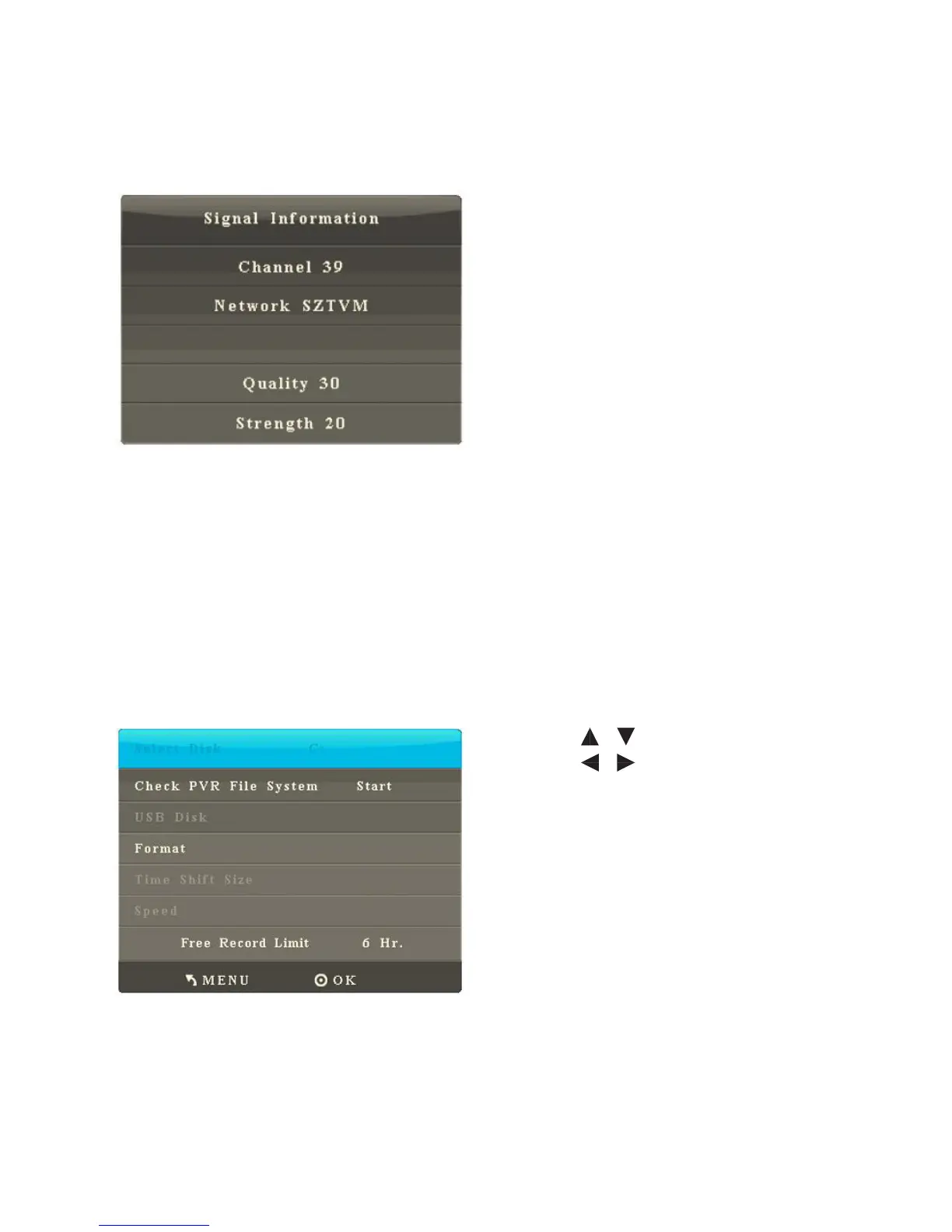
5. Signal Info
After you enter the Signal Info sub-menu, the interface shows options including
Program, Network, Quality and Strength. Press OK to enter the option.
5. File Burning Sys
After you enter the File Burning Sys sub-menu, the interface shows options
including Choose Disk, Check File Burning Sys and USB Disk.
• Press / to select an item.
• Press / to change the limit
value of the burning time.
• Press OK to enter the selected
function.
• Press Menu to return to the parent
menu.
• Press Quit to exit the menu.



 To Next Page