38
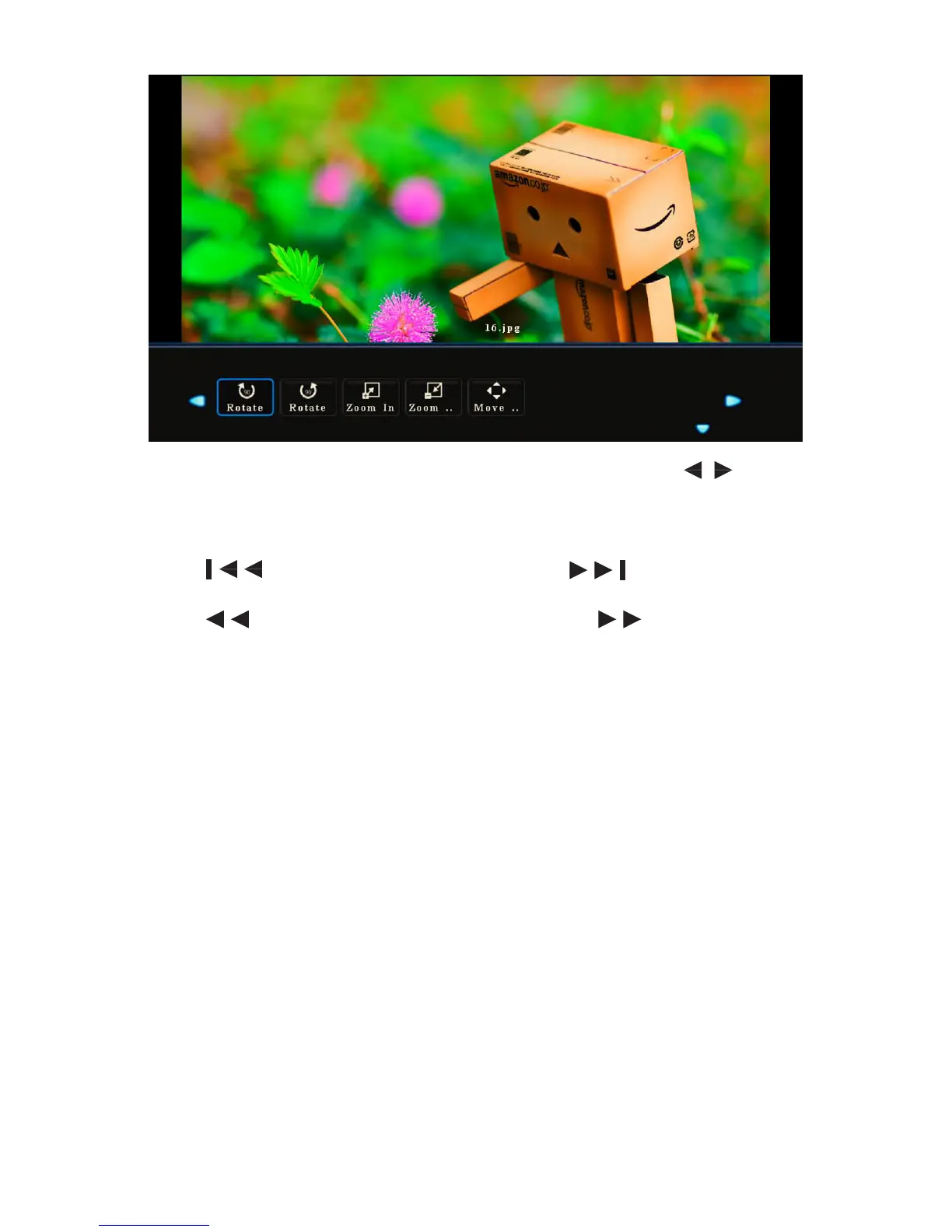
• Press Show Info to display the operation function menu. Press / to select a
function and press OK to use the function. (The functions include: Play/Pause,
Previous, Next, Stop, All, Music O, Playlist, Information, Clockwise Rotation,
Counter clock wise Rotation, Zoom Up, Zoom Down and Move.)
• Press to display the previous image and to display the next
image.
• Press to change the fast reverse speed and to change the fast
forward speed.
• Press Quit to stop playing.



 To Next Page