39
2. Music
After you enter Music option, press / / / to select music to be played.
Press OK to select or de-select a song. Press to start or stop playing and
shortcut buttons on the remote controller to use relevant functions.
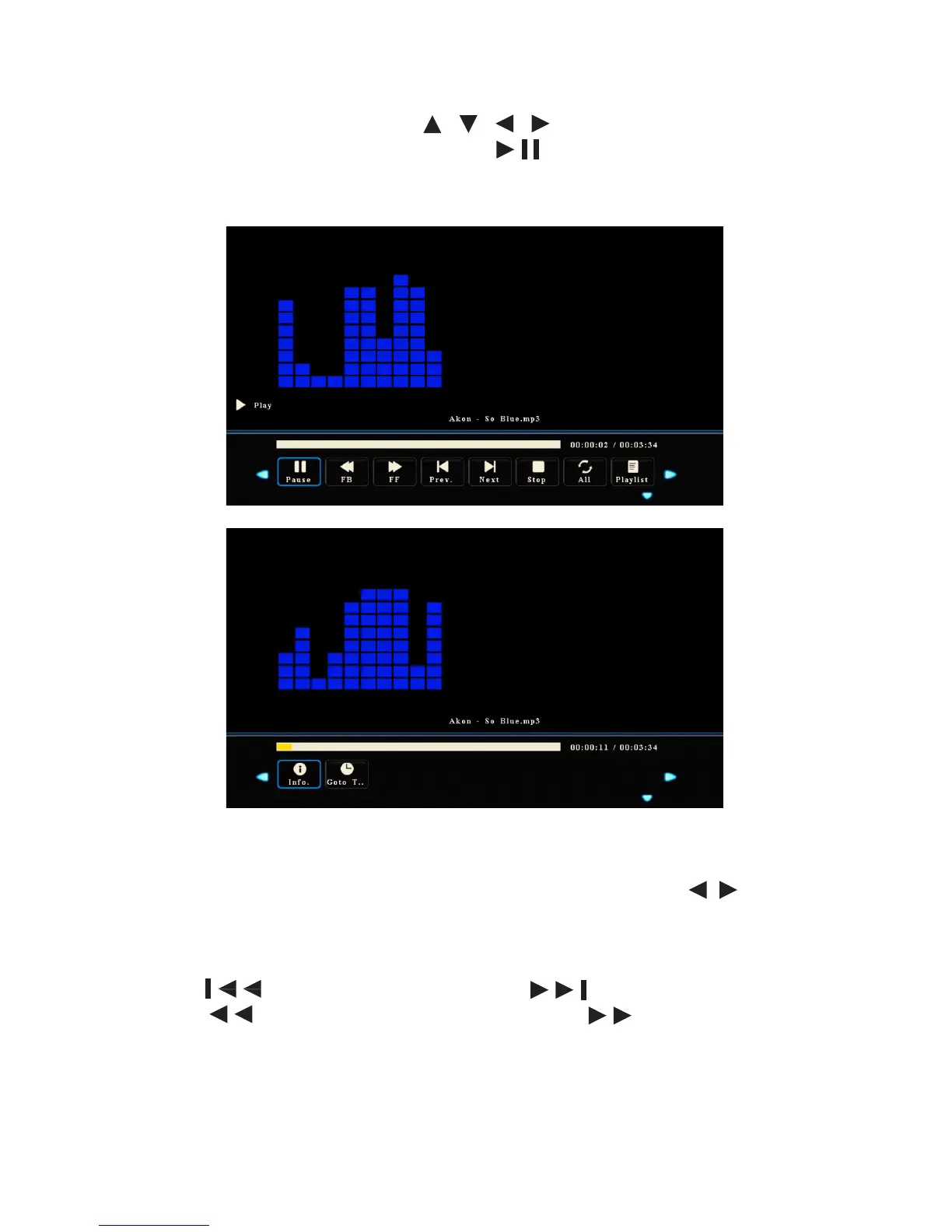
• Press Show Info to show the operation function menu. Press / to select a
function and press OK to use the function.
( The functions include: Play/Pause, Fast Reverse, Fast Forward, Previous, Next,
Stop, All, Playlist, Information and Jump To).
• Press to play the previous song and to play the next one.
• Press to change the fast reverse speed and to change the fast
forward speed.
• Press Quit to stop playing.



 To Next Page