Coordinated Universal Time
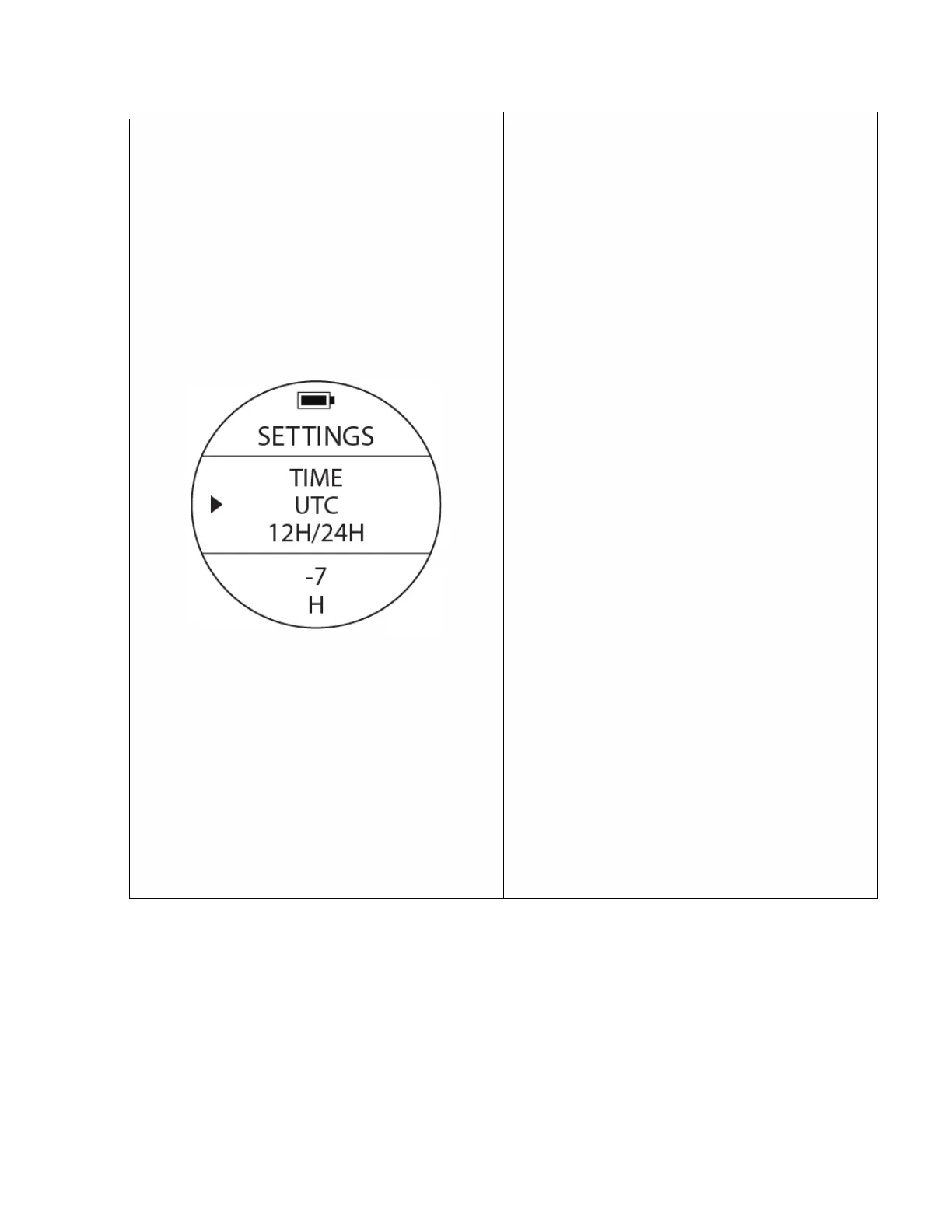
To access: From SETTINGS, use the UP or DOWN
buttons to move the cursor and locate UTC. Press
the MODE button once to access the different UTC
options.
Prior to 1972, this time was called Greenwich Mean
Time (GMT) but is now referred to as Coordinated
Universal Time (UTC). It is a coordinated world time
zone scale, maintained by the BIPM (Bureau
International des Poids et Measures).
WARNING: Make sure you edit your CORRECT UTC
+ or - hours for your particular time zone first then
go to settings again and, if needed, edit your
LOCAL TIME. If you do it backwards, times will not
coincide & information will be inaccurate.
Similar to the DATE, TIME & FORMAT settings,
once the UTC setting is accessed, the values at the
bottom of the screen will start blinking. Change
the values with the UP or DOWN buttons
corresponding with your particular time zone.
(e.g., Los Angeles CA, is -7 hours UTC, New York,
NY is – 4 hours UTC ). Once a selection for your
particular time zone is made, accept the selection
by pressing the MODE button.
The selection will stop blinking. After a few
seconds the back light will turn off and after about
20 seconds the watch will revert to normal time
screen. If you travel to a different time zone,
access UTC to change to the particular ‘+’ or ‘-‘ UTC
value corresponding with the particular time zone
you will be at.



 To Next Page