1-20
Connecting the Printer to the PC
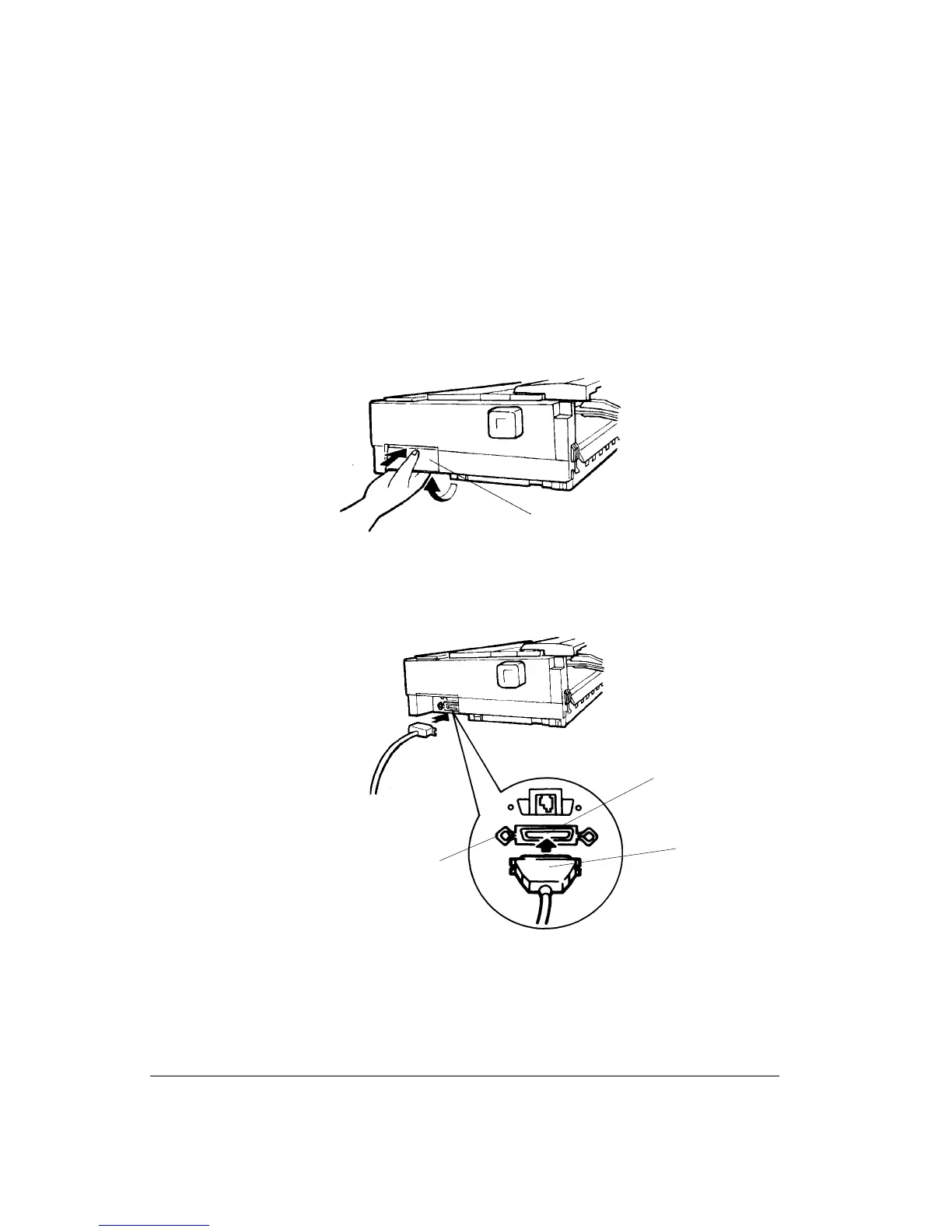
To connect the printer:
1. Turn off the printer.
2. While pushing the top of the shutter 1 on the right side of the printer with your thumb,
lift the bottom of the shutter with your fingers until the shutter stays open, allowing
access to the connectors.
Opening the Shutter
3. Insert the parallel cable connector 2 into the socket 3.
Connecting the Parallel Cable
4. Secure the cable by flipping the fastener clips 4 of the socket into the notches on the
cable connector 2.
1
4
2
3



 To Next Page