1-12
Step 4
Powering-on the Printer
Before you plug in the printer:
• Make sure that the printer power is switched off. The side marked “I” on the power
switch (on the front left side of the printer) should be raised.
• Make sure that the power outlet is properly grounded.
• Make sure that you use the power cord shipped with the printer. This cord is designed to
minimize radio frequency interference.
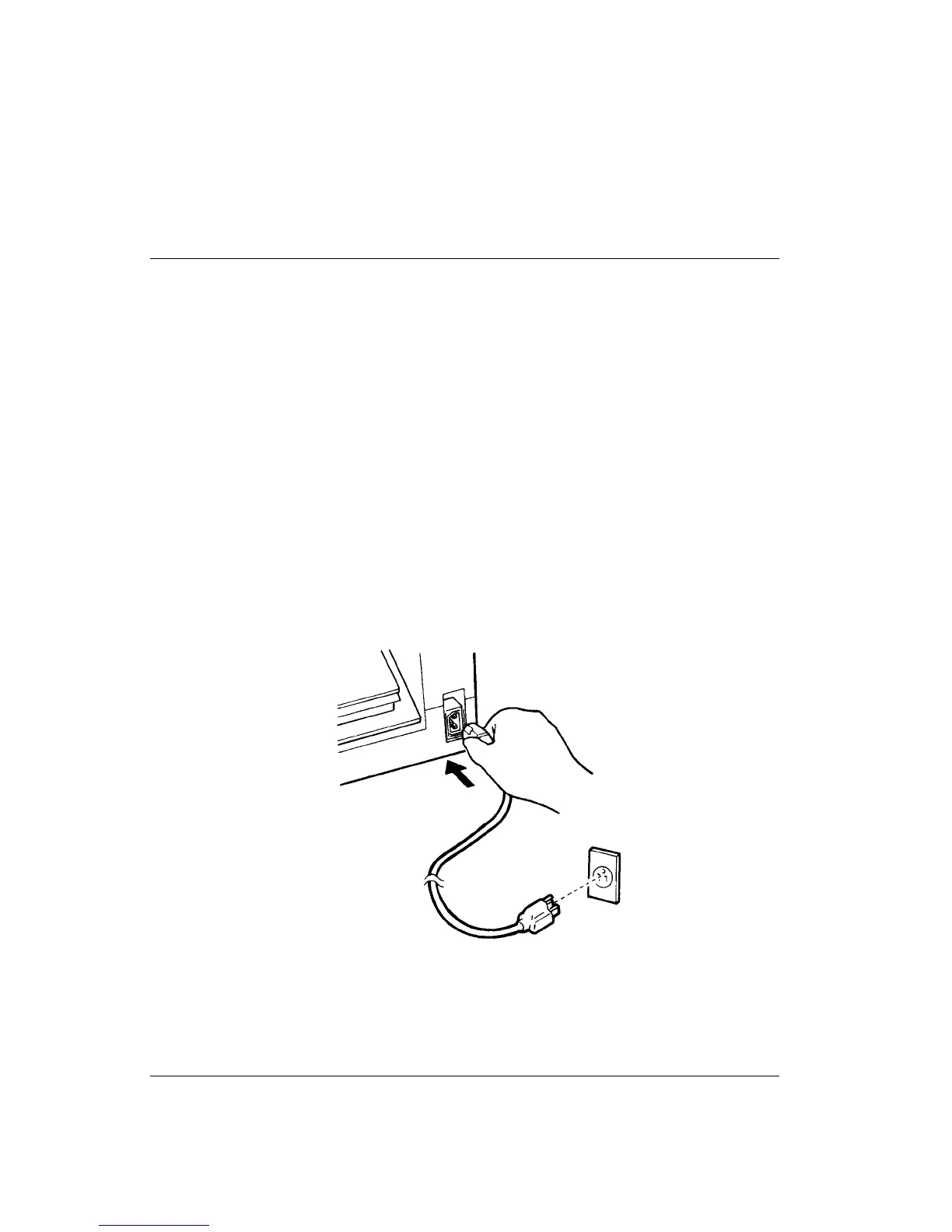
To plug in the power cord:
1. Plug one end of the power cord into the power connector on the rear of the printer.
2. Plug the other end of the power cord into the power outlet.
Connecting the Power Cord



 To Next Page