1-3
Step 2
Unpacking the Printer
Opening the Carton
Unpack the printer as follows:
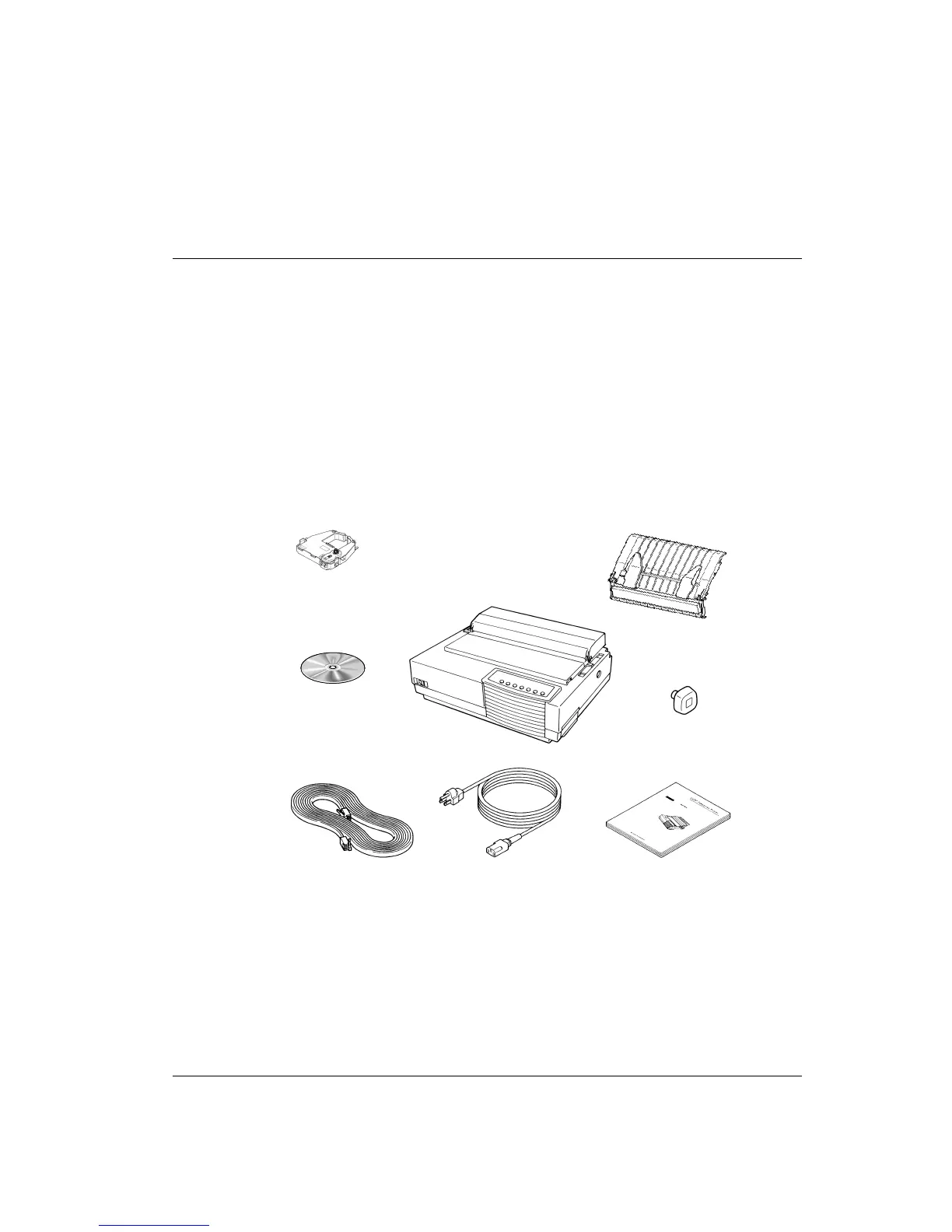
1. Open the carton and remove the printer and its components. Make sure that you have
all of the items shown below:
1 - GENICOM Matrix Printer LA36N 5 - Installation Guide
2 - Black ribbon cartridge 6 - Power cord
3 - Cut sheet stand 7 - Serial Interface Cable
4 - Platen knob - not mounted 8 - Software and Documentation CD
when shipped. ROM.
Carton Contents
2. Carefully examine each item for damage. Report any problems to your dealer or shipping
agent.
5
6
2
8
7
3
1
4



 To Next Page