1-2
Step 1
Selecting a Good Location
To obtain peak performance from the printer, select a location that meets the following
guidelines:
Environments
• Do not place the printer in a location exposed to direct sunlight or near heaters.
• Make sure that the room is well-ventilated and free from excessive dust.
• Do not expose the printer to extreme temperature and humidity levels.
Work Location
• Place the printer on a stable, level surface.
•
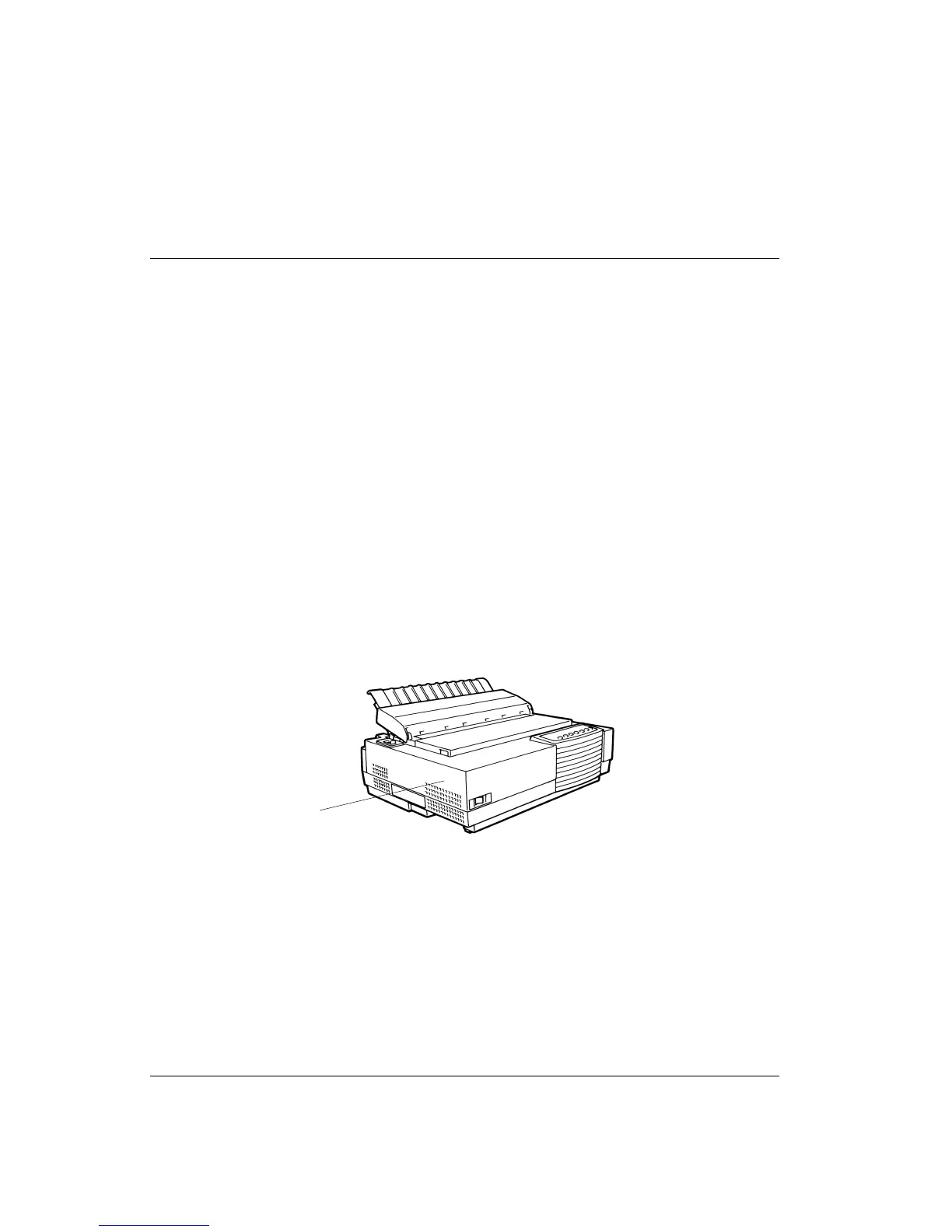
Ensure easy access to the front and rear of the printer by leaving about eight inches (20
cm) of space around the printer. Do not block the air vents 1 on the left side of the
printer.
Do not Block the Air Vents
Power Supply
• Place the printer near a well-grounded AC power outlet.
• Use only the power cord supplied with the printer or one recommended by your dealer.
Do not use an extension cord.
• Do not plug the printer into a power outlet that is shared with heavy industrial
equipment, such as motors, or appliances, such as copiers or coffee makers. Such
equipment often emits electrical noise or causes power degradation.
1



 To Next Page