1-6
Installing the Cut Sheet Stand
The cut sheet stand enables smooth feeding of both single sheets and continuous forms.
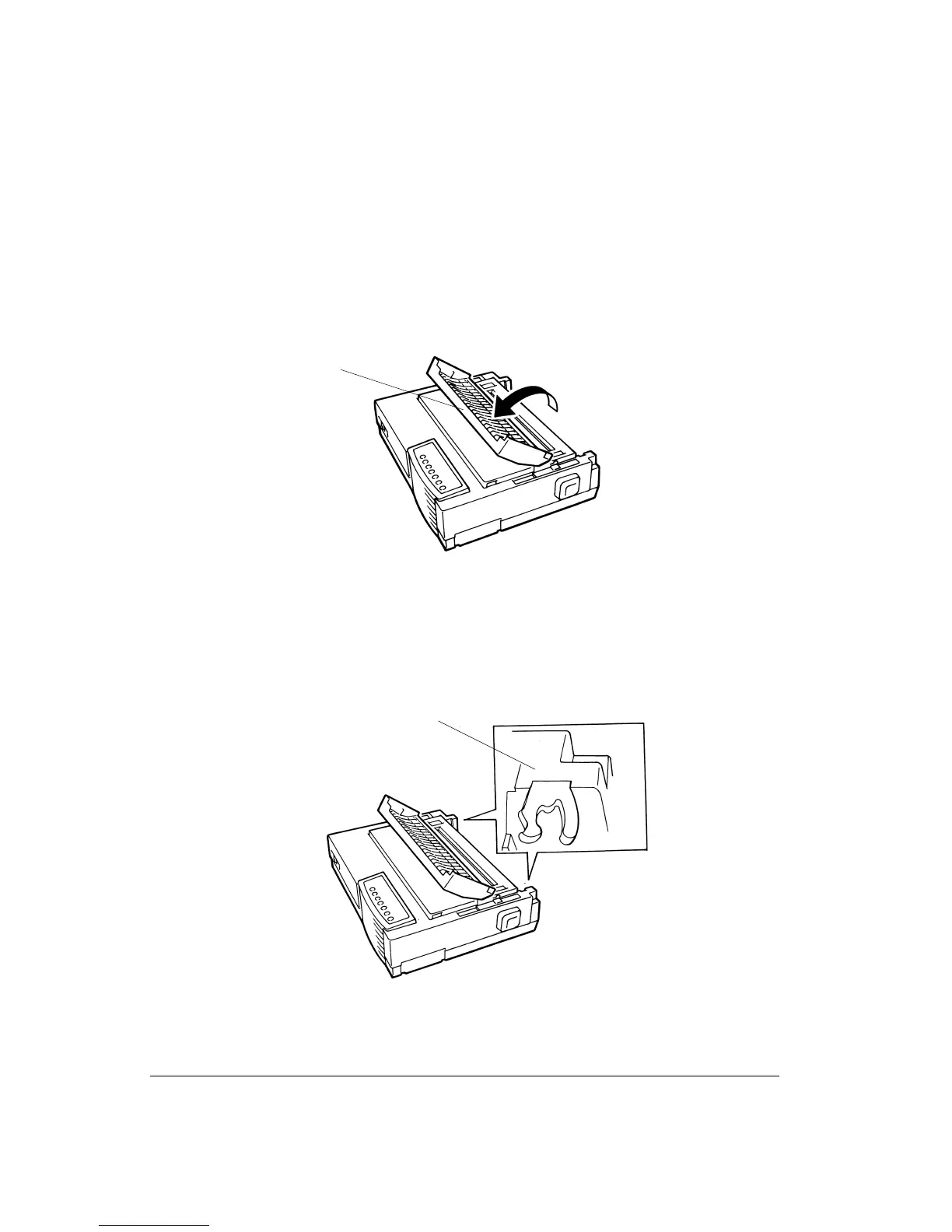
To install the cut sheet stand:
1. Tilt the acoustic cover 1 towards the front of the printer
Tilting the Acoustic Cover
2. Locate the two grooved notches 2 on each side of the top of the printer, behind the top
cover. Note that each notch has a front groove and a rear groove.
Locating the Grooved Notches
1
2



 To Next Page