ⅡⅡ
.
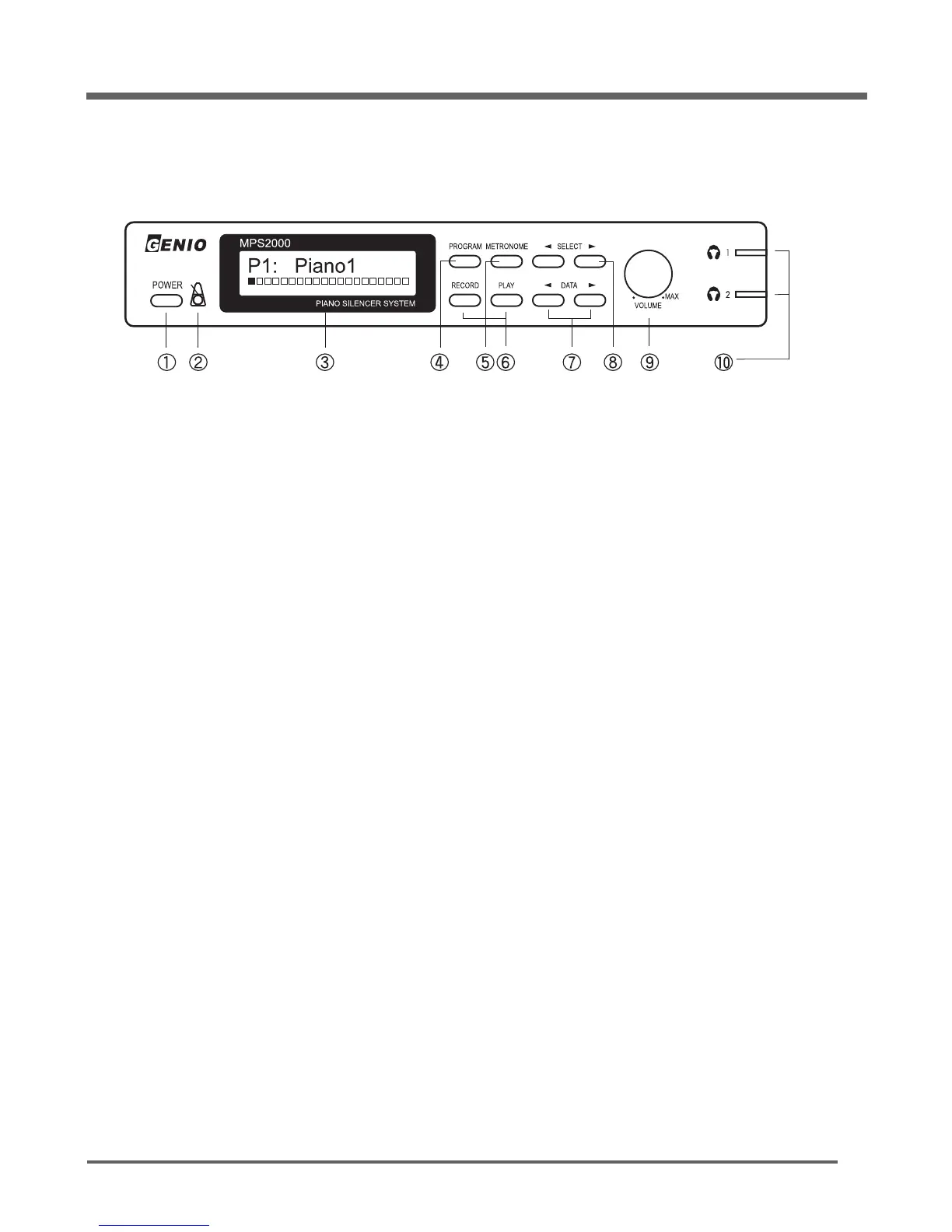
Control Panel
MPS2000
5
1) POWER switch
Press to turn the MPS2000 on; press again to turn it off.
2) LED Indicator
Flashes according to the metronome beat with red when down beat, green when up beat.
3) LCD Display
Shows the currently selected parameters with its dynamic or value
4) PROGRAM
Shows either an abbreviated name or a numeric value for a parameter.
5) METRONOME
Press to turn the metronome on; press again to turn it off.
6) RECORD/PLAY
Control Record and Play functions of the Recorder.
7) DATA
Modifies the currently selected parameter.
8) SELECT
Selects a parameter for display and modification.
9) VOLUME
Adjust the volume of the output of the headphone jack.
10) Headphone Jacks
Up to two headphones may be plugged into the jacks. The Indicator changes from green to red
to show that headphones are plugged in properly.
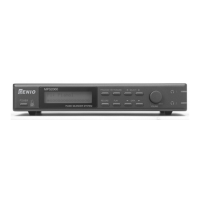
Front Panel


 To Next Page