MPS2000
8
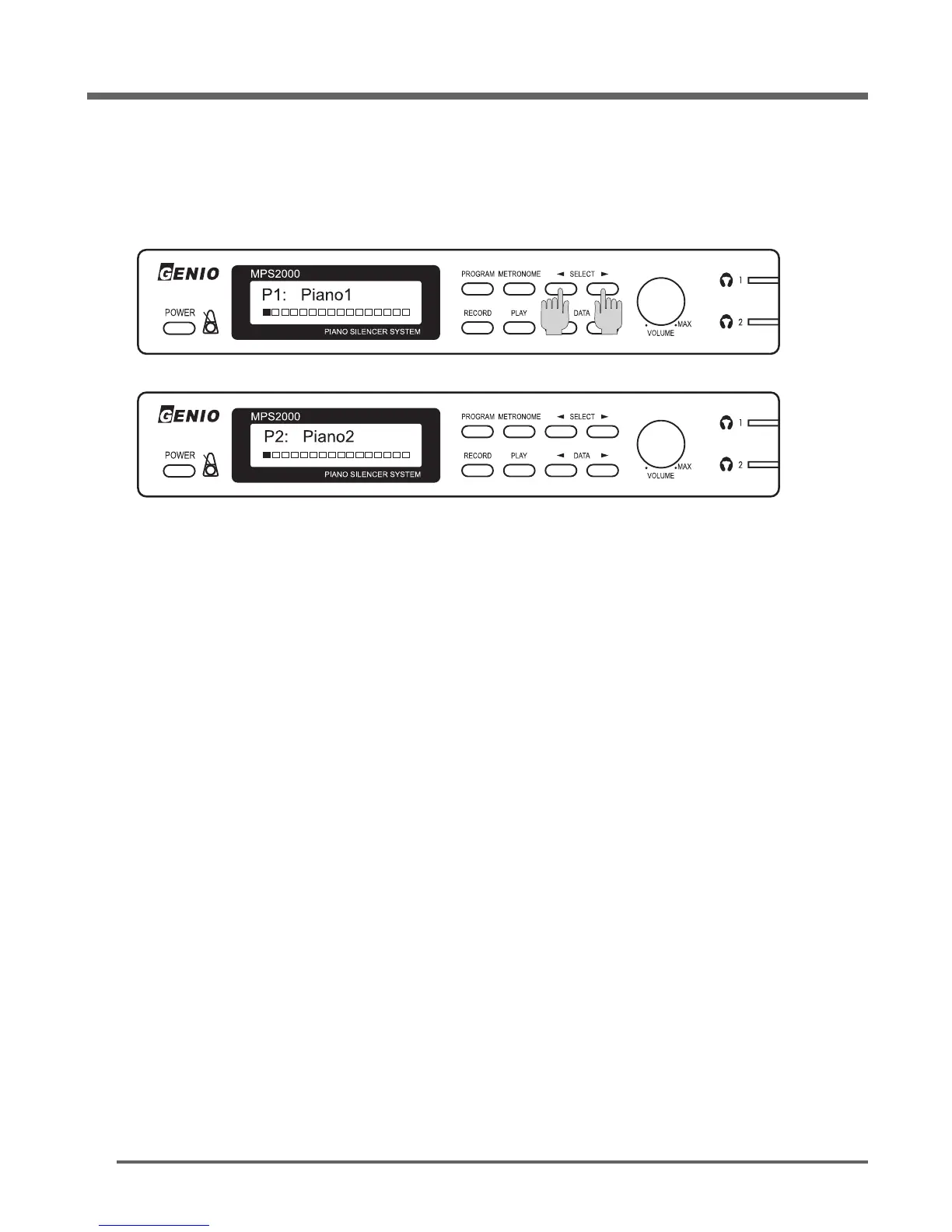
P1 : Piano1 is the default sound.
If desired,press either [◀]
SELECT
or
SELECT
[▶] button to select other program sounds.
Adjust the volume control as desired.
Enjoy your performance without disturbing other people.
NOTE:
1. When turning on the MPS2000, a few seconds of preparation are required before the unit is ready
to play.


 To Next Page