English
-13-
Be careful not to drop the batteries when opening
or closing the battery cover.
Turning the Power On/Off
Load the batteries and insert an SD/SDHC
memory card before starting.
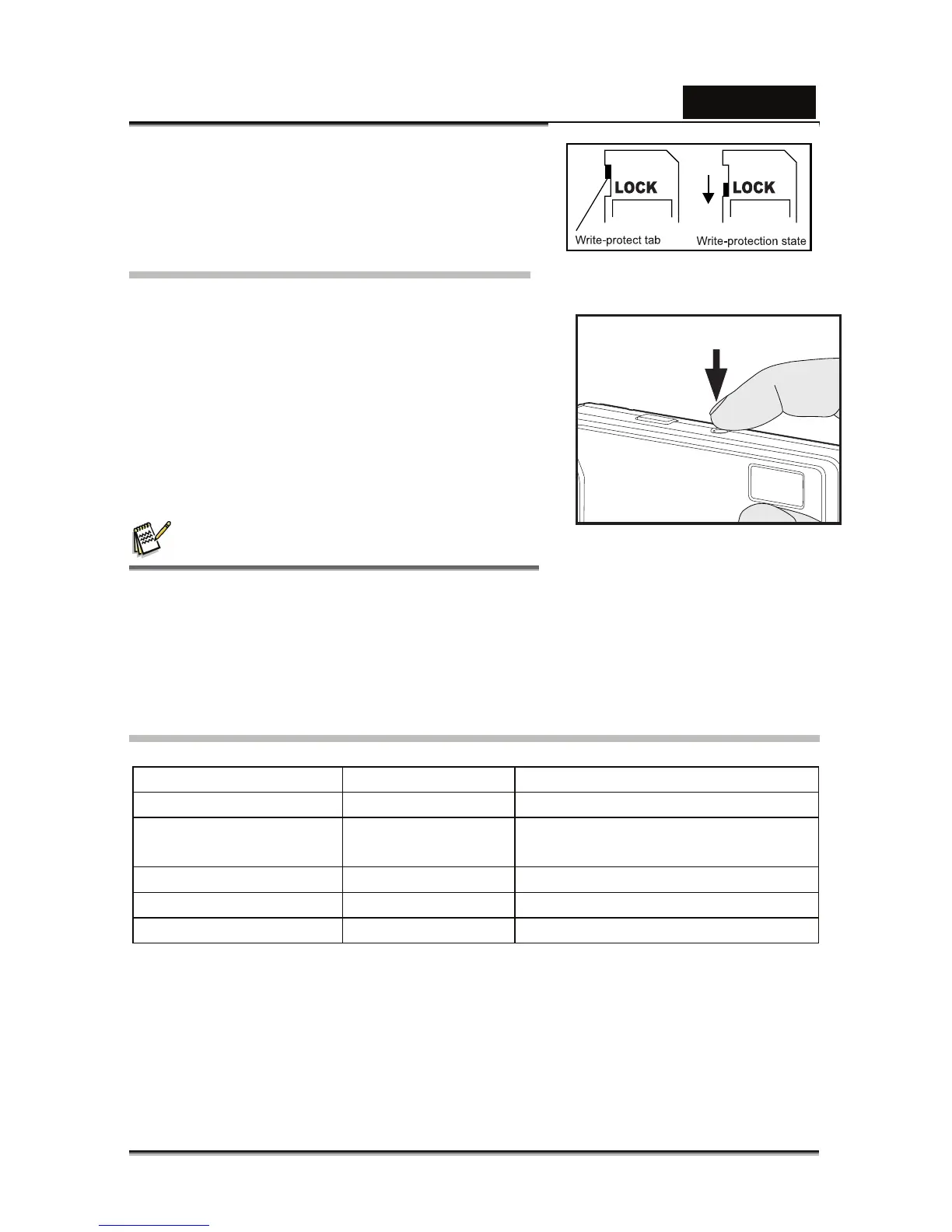
Press the POWER button until the digital
still camera turns on.
To turn the power off, press the POWER
button again.
NOTE
The power is turned off automatically when the camera has not been operated for
a fixed period of time. To resume the operation condition, turn the power on again.
Refer to section in this manual titled “Auto Off” in the Setup Menu for further
details.
LED Indicators and Self-timer Indicators
Indicators State Description/Activity
LED indicator Solid green The digital camera is powering up.
LED indicator Solid green The digital camera is ready to
record images (or movies).
LED indicator Blinking green Reading/Writing files.
LED indicator Blinking green Charging the flash.
Self-timer indicator Blinking red The self-timer function is activated.



 To Next Page