English
-24-
Camera Mode Setting
Picture Resolution
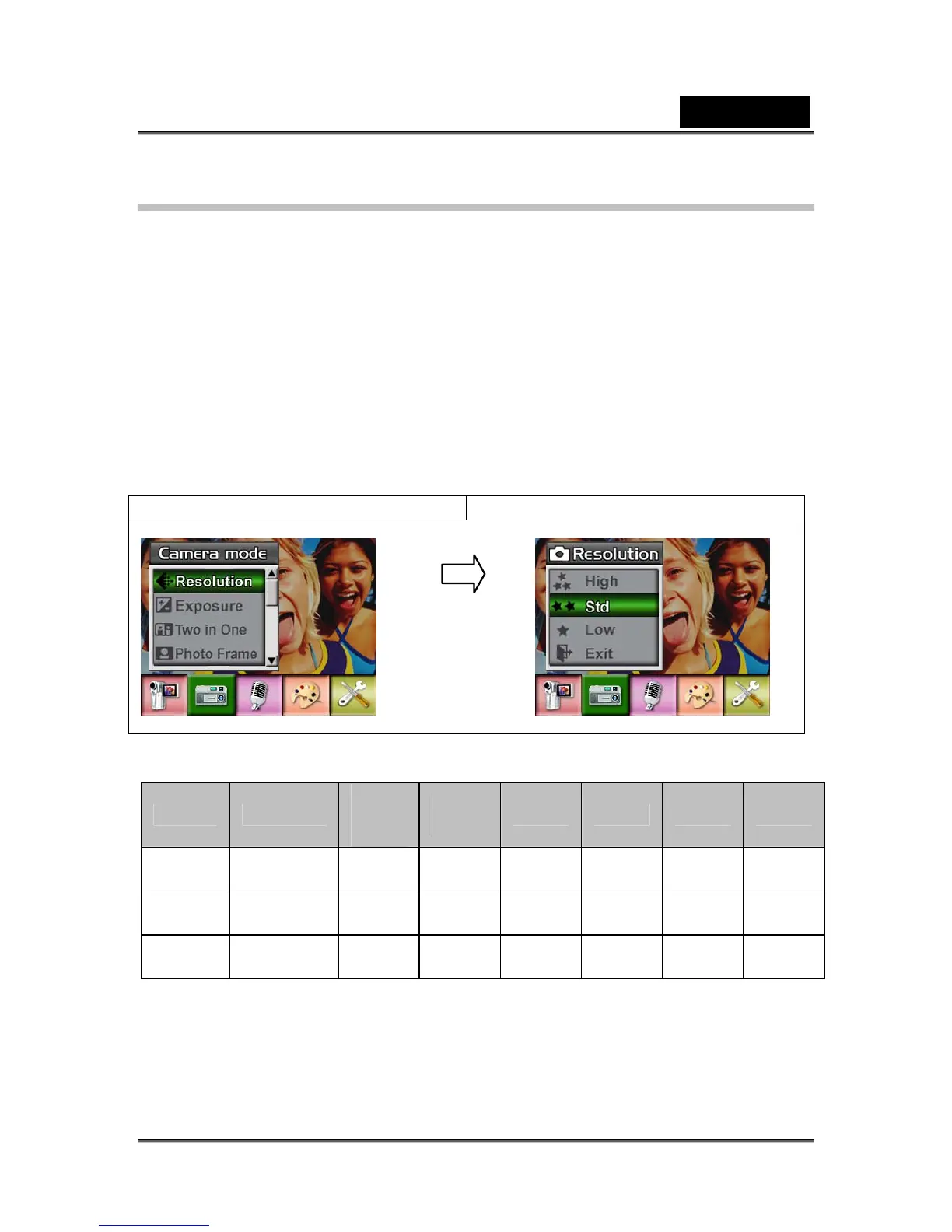
To change Picture Resolution:
1. In Movie/Picture Record Mode, press Enter Button to switch to record menu
screen.
2. Use Right/Left Buttons to select Camera Mode. Submenu of Camera Mode will
pop out on the screen.
3. Use Up/Down Buttons to select Resolution then press Enter Button to switch to
Resolution submenu.
4. Use Up/Down Buttons to move between three settings.
5. Press Enter Button to validate the setting and exit.
Display screen Picture Resolution Option
Possible number of shots (still image)
Quality Resolution
64 MB
internal
memory
128
MB
256MB 512MB 1GB 2GB
High 3856 x 2892 12
44 88 170 340 680
Standard 2592 x 1944 23
76 156 312 624 1240
Low 1600 x 1200 60
200 400 800 1600 3200
Exposure
The camera adjusts image exposure automatically. In certain circumstances you may
wish to adjust the exposure compensation setting.
To change Exposure setting:
1. In Movie/Picture Record Mode, press Enter Button to switch to record menu
screen.
Enter Button



 To Next Page