English
-32-
Setting Menu
The Setting submenu contains options for configuring your camera set up.
To change advanced setting:
1. In Movie/Picture Record Mode, press Enter Button to switch to record menu
screen.
2. Use Right/Left Buttons to move to Setting option, then Setting Submenu will pop
out on the screen.
3. Use Up/Down Buttons to move between settings.
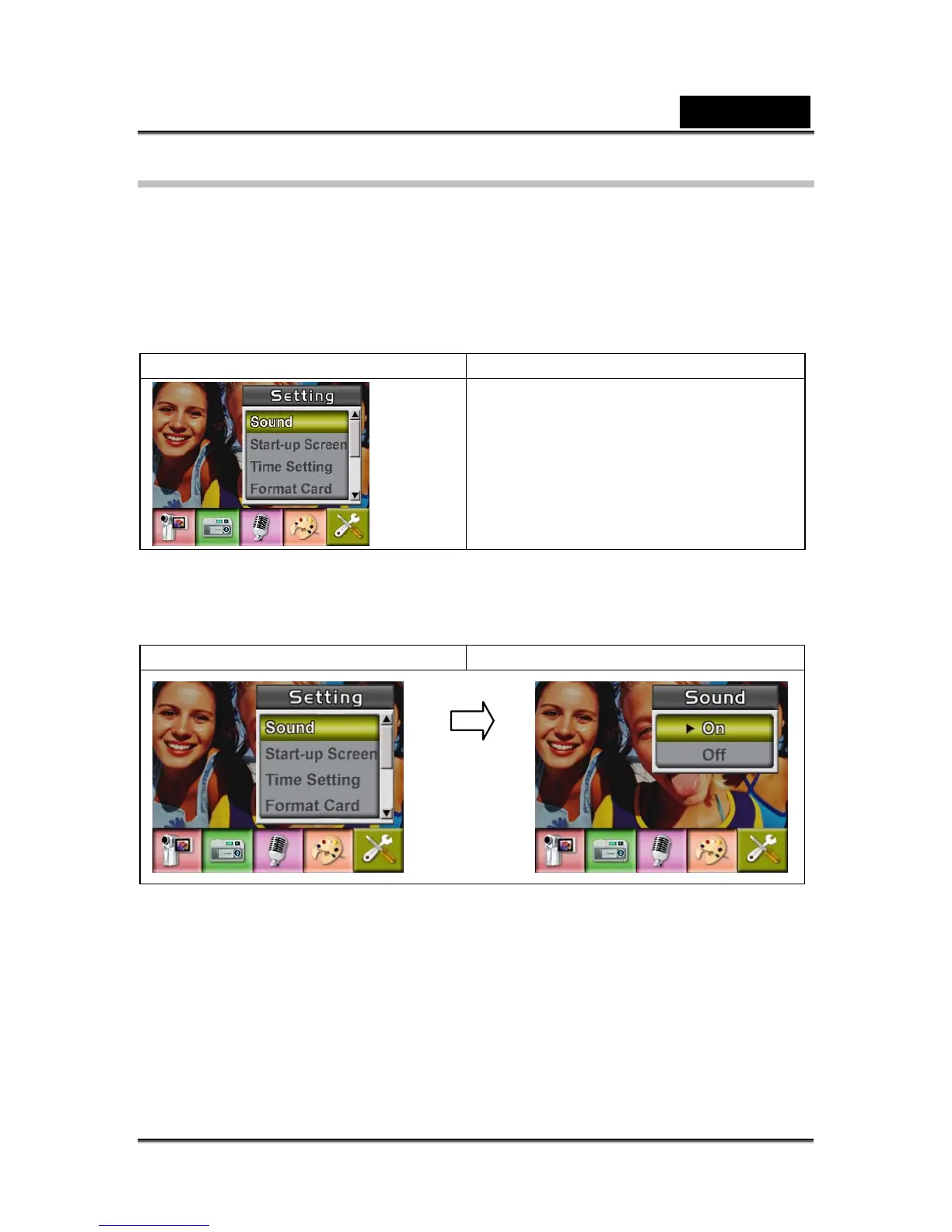
Display screen Setting Option
z Sound (operation sound)
z Start-Up Screen
z Time Setting
z Format Card
z TV System
z Language
z Default Setting
Sound
Enable or disable Keypad tone and operation sound by using Up/Down Buttons, then
press Enter Button to validate the setting.
Display screen Sound Option
Start-up Screen
Enter Button



 To Next Page