English
-41-
3. Use Right/Left Buttons to select the movie.
4. Use Up Button to lock/unlock all movies
and Down Button to lock/unlock single
movie.
5. Before a movie is locked/unlocked, a
confirmation screen will appear; choosing
“Yes” will execute the operation, “No” will
cancel the operation.
6. Press Enter Button to exit.
Repeat Movies
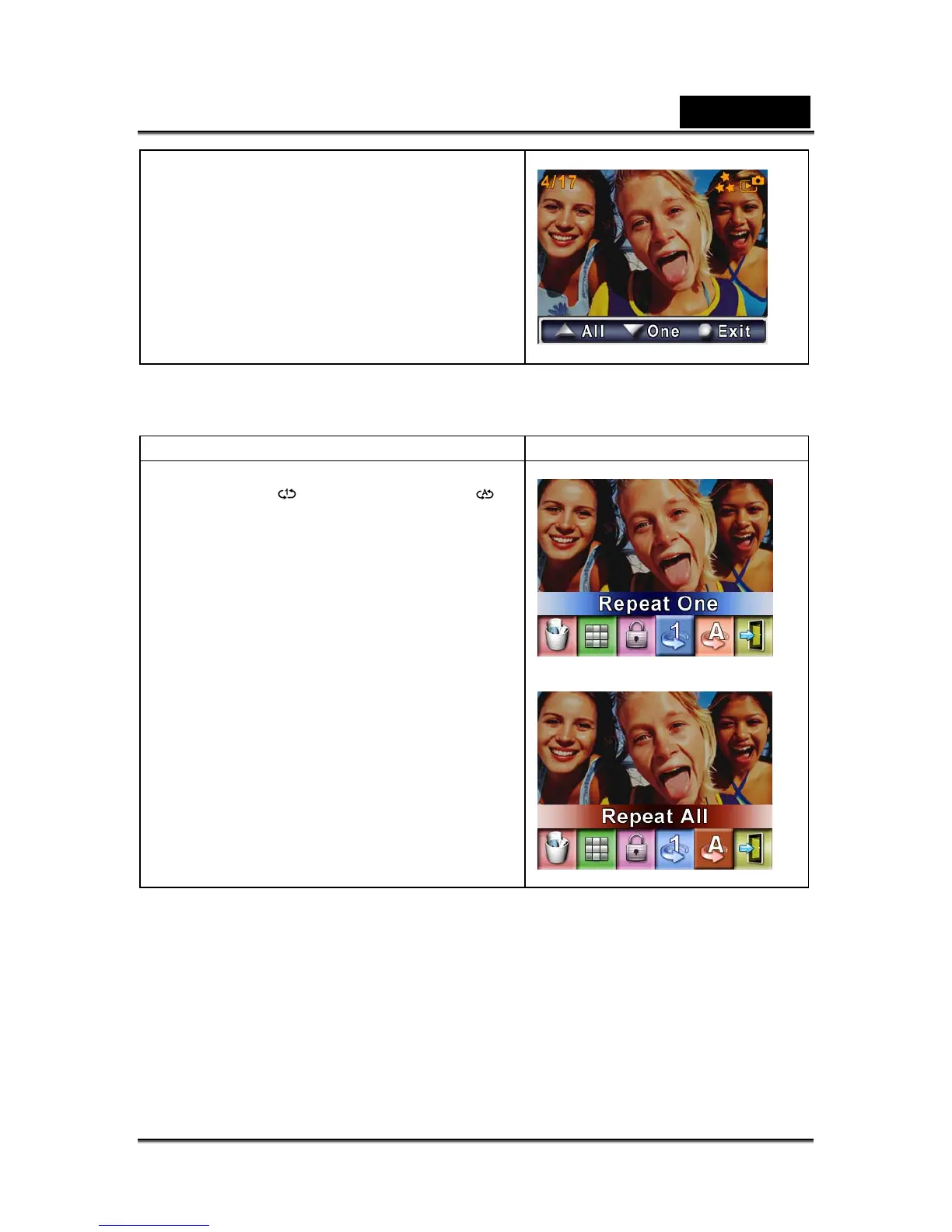
This function automatically repeats playing single movie or all movies in order.
Operation Display screen
1. Use Direction Buttons to select the Repeat
One option (
) or Repeat All option ( ).
2. Press Enter Button to start repeating.



 To Next Page