English
-42-
Picture Playback
Operation Display screen
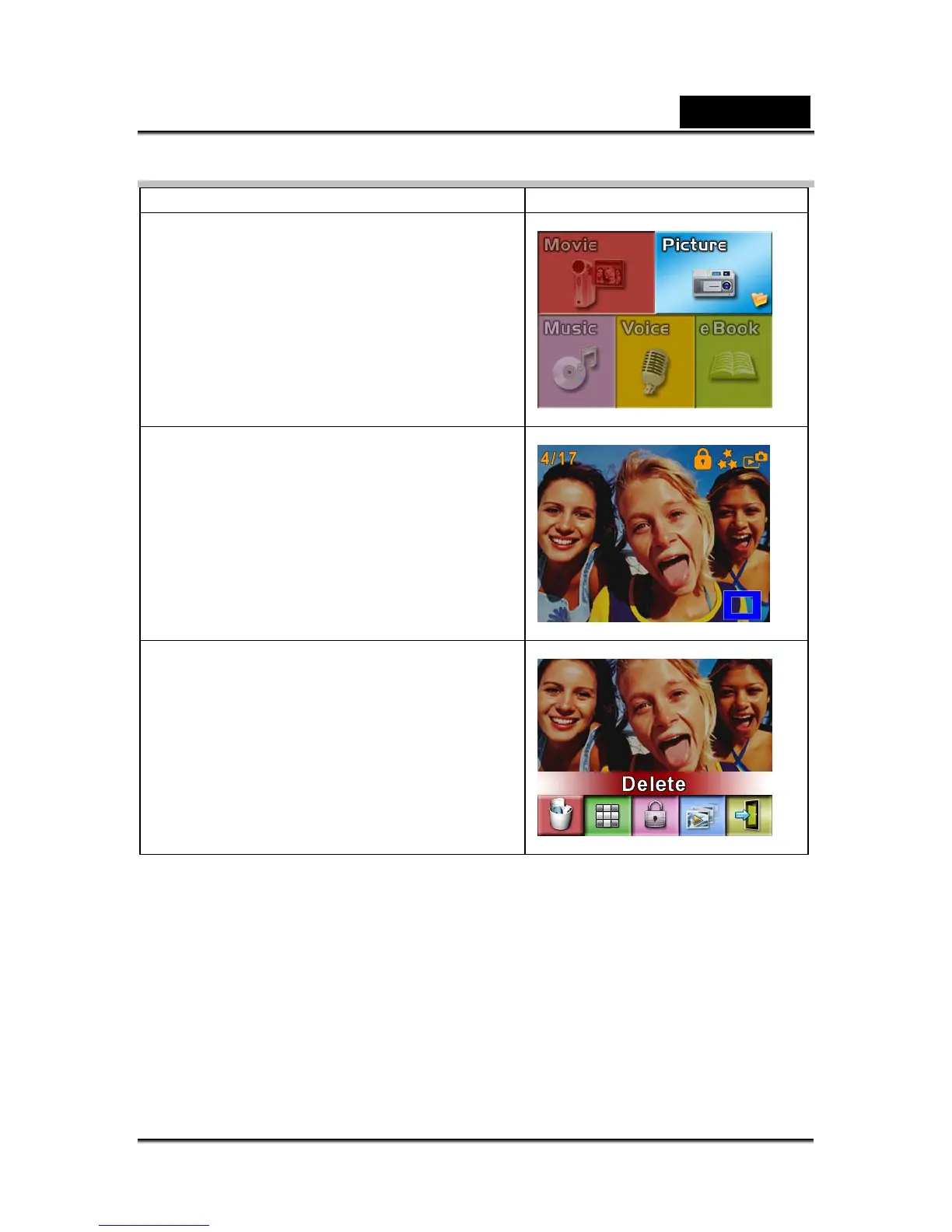
1. Use Direction Buttons to select the Picture
option.
2. Press Enter Button to go to Picture
Playback Mode.
3. Use Right/Left Buttons to go to the next or
last picture.
4. While the picture is selected, use
Tele/Wide Buttons to magnify.
5. Use Direction Buttons to navigate the
magnified picture.
6. Press Enter Button to go to the picture
option menu.
7. Use Direction Buttons to select five
options, Delete, Thumbnail, Lock,
Slideshow, or Exit.



 To Next Page