English
-55-
Video File Converter
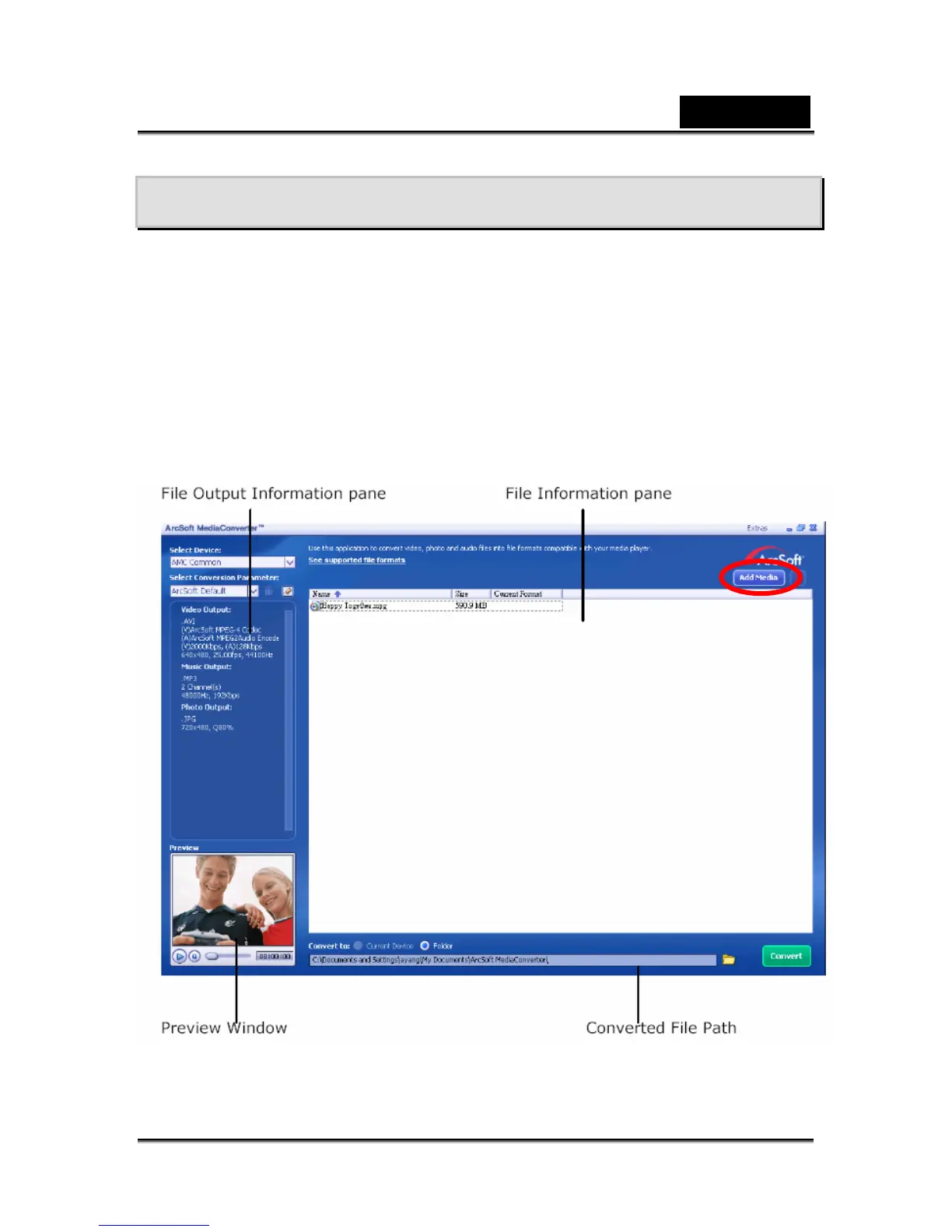
Bundled software CD contains Arcsoft Media Converter that features a video file
converter to convert multiple video formats into MPEG4 Xvid compatible format with
your camera. In this way, you can convert any format of video files and playback your
favorite movies on your camera.
To convert a video file:
1. Install Arcsoft Media Converter2
2. Click StartÆ Select ProgramsÆ Arcsoft Media Converter2Æ Media Converter2
3. Media Converter main Screen will appear on your desktop.
4. Click “Add Media”



 To Next Page