English
-49-
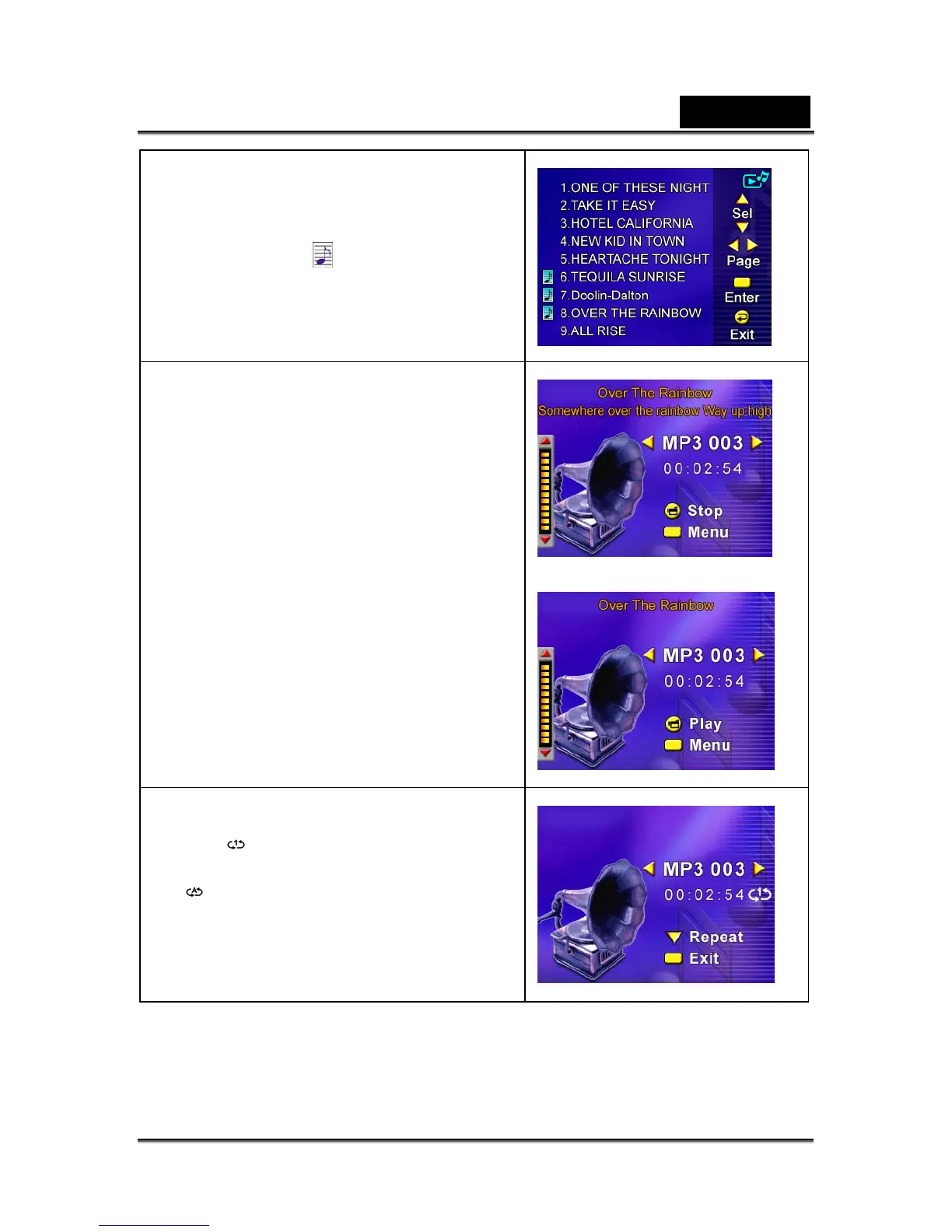
2. Use Up/Down Buttons to locate the MP3
you want to play, or press Right/Left
Buttons to jump to the next/previous page.
There is an icon
in the front for those
MP3 files with Lyrics display.
3. Press Movie Shutter or Enter Button to
play MP3 file.
4. Press Movie Shutter Button again to stop
playing.
5. Press Up/Down Buttons to adjust volume.
6. Press Enter Button to go to repeat menu.
7. Press Down Button once to repeat current
MP3 (
).
8. Press Down Button twice to repeat all MP3
(
).
9. Press Enter Button to exit.



 To Next Page