30
USB Port
USB Port
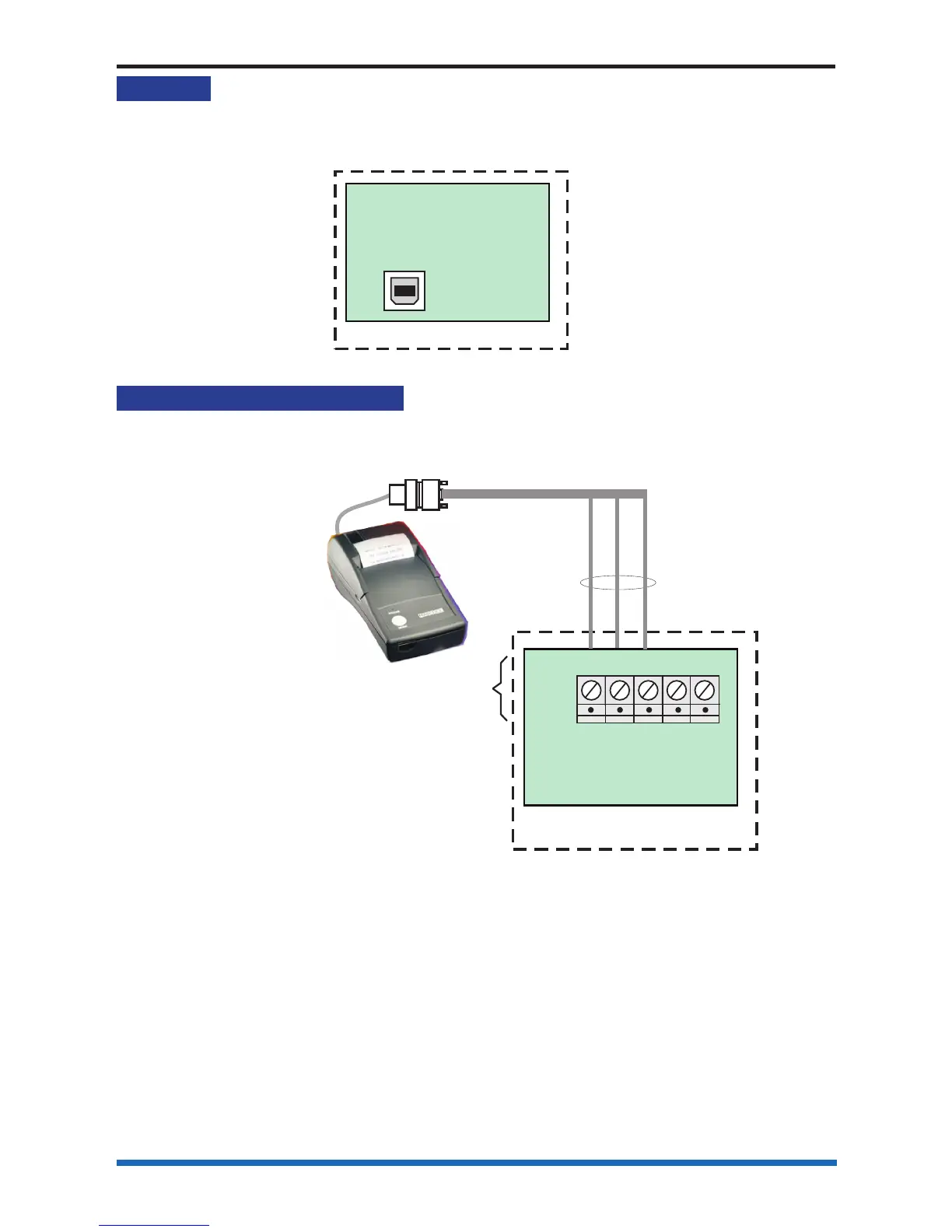
The Port 3 is a USB port that is used to connect to the commissioning tool. This tool
allows ease of confi guring the system.
P16
PANEL
MASTER CONTROL
BOARD
PORT 3 is the USB port that
can be accessed
through connector P16
of the Master Control Board
(Card 0)
Connecting a thermal printer
An external serial printer can be connected to the RS232 Port.
PANEL
MASTER CONTROL
BOARD
Thermal printer
9-way D-type connector
GND GND
Tx Rx
Rx Tx
Hand held printer
PORT 1 of the Master Control Board
(Card 0) is configured during commissioning
to 'Printer mode' with an appropriate
'baud rate' setting
PB6
RS-232
TX1 RX1
0V
TX2 RX2



 To Next Page