Page 36 of 48
Operating Manual
OMG100N Iss.02
© QED Environmental Systems Ltd.
Self-test Warning Messages
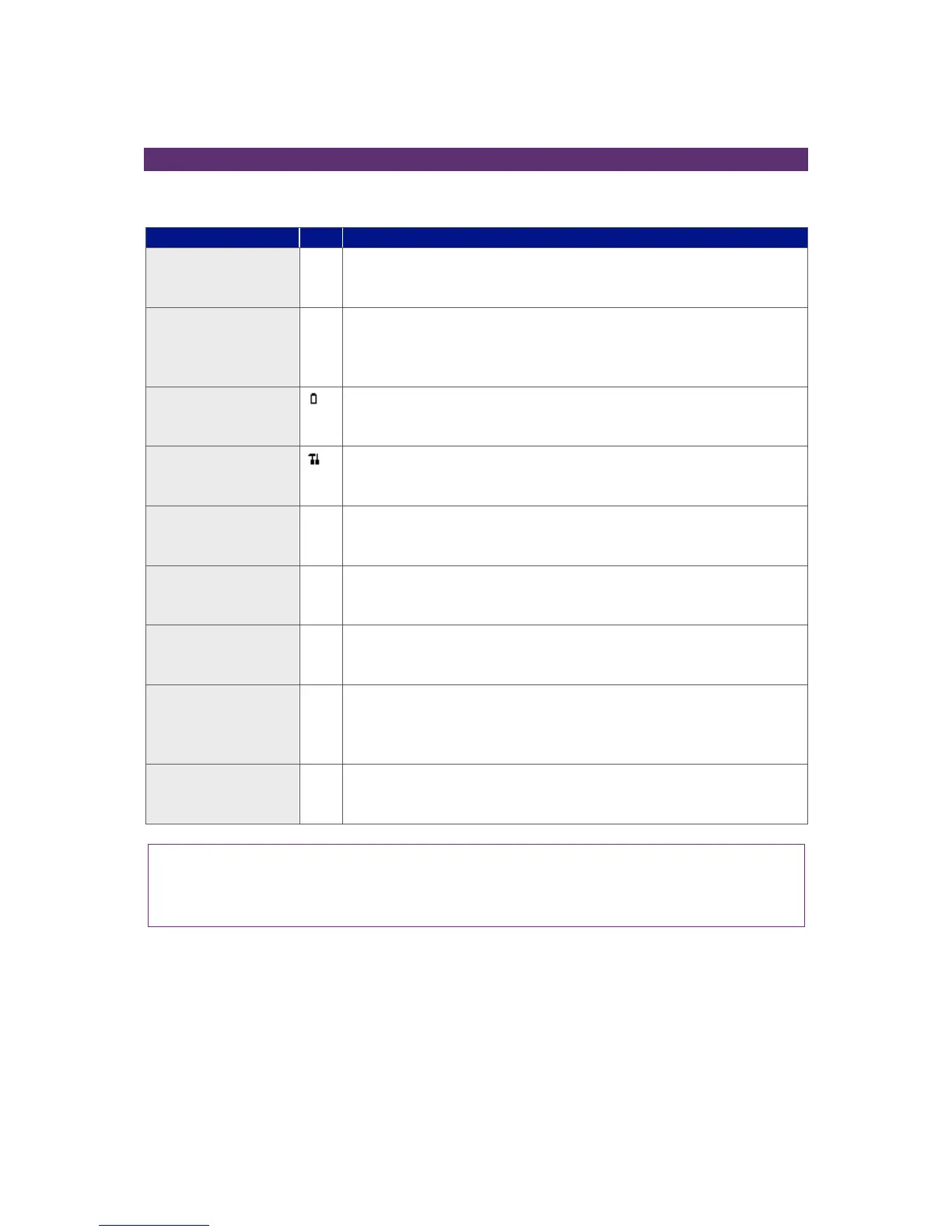
The following warnings may be displayed during the self-test period when the instrument is switched
ON.
The instrument only has space to store less than 50 readings before
it is full. The exact number can be checked using the ‘View Readings’
option.
There is no more space in memory to store readings. Both the store
and log options will be disabled until the memory is cleared. The
readings should be downloaded to PC using the optional download
software before memory is cleared.
The instrument does not have enough power to operate for a full
day. The instrument should be recharged or connected to an
external power supply.
It has been 12 months (or more) since your instrument was returned
to the manufacturer for a service. The performance and accuracy of
the instrument may be impaired.
It has been over a month since the instrument was last user
calibrated. For optimal performance and accuracy it is recommended
that the instrument is user calibrated each time it is used.
The instrument has an invalid time. This is most likely to occur after a
reset. The correct time should be entered using the set ‘Time & Date’
option via the ‘Utilities’ menu.
The instrument has an invalid date. This is most likely to occur after a
reset. The correct date should be entered using the set ‘Time & Date’
option via the ‘Utilities’ menu.
The instrument has detected a fault with the barometric sensor or its
calibration. This will have an effect on the accuracy of the readings as
they are pressure compensated. The instrument will need to be
returned to the manufacturer for service.
This indicates that one of the measurement channels within the
analyser has an issue on start-up. Please contact technical support
for further guidance.
Note: Certain configuration problems can be corrected remotely. Using the Analyser Data
Manager software, it is possible to export the current configuration and e-mail it to the
manufacturer’s Technical Support or Service Department. Depending on the type of error it may
be possible to correct the configuration file and import it back into the instrument.



 To Next Page