October 29, 2015
7
2.3 GV-EV48
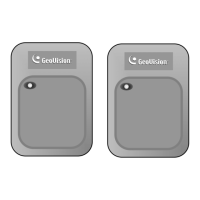
Connect card readers
Connect EV48 to readers through RS-485
interface.
6.2.1 Connecting RS-485 Card Readers
Connect output relay
Connect EV48 output relays to the
corresponding floor on the elevator control
panel.
6.2.2 Connecting Output Relay
Connect Backup Battery (Optional)
Connect EV48 to backup battery in case the
main power supply fails.
6.2.3 Connecting Backup Battery
Connect to PC
Connect EV48 to a computer to access its Web
interface and connect with GV-ASManager.
6.2.5 Connecting the PC
Connect to Power
Connect EV48 to power using the supplied 12V
DC adaptor.
6.2.4 Connecting the Power
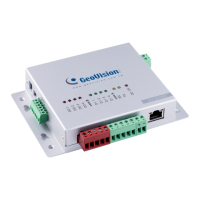
GV-EV48


 To Next Page
 Loading...