30
GB
5.2.2 Battery
Caution! The following safety rules must be observed for adequate protection against
electric shocks, injuries or re hazards:
• Never try to charge a damaged battery.
• Do not insert a dirty or wet battery into the charger.
• Never throw batteries into the waste, into re or into water.
5.3 Charging procedure
• Charge only GESIPA
®
batteries and when the temperature of the environment is between
-5°C and +55°C!
• Take the charger out of its packaging and connect to the mains.
• Gently insert the GESIPA battery in the right way into the charger.
• The charging operation start automatically.
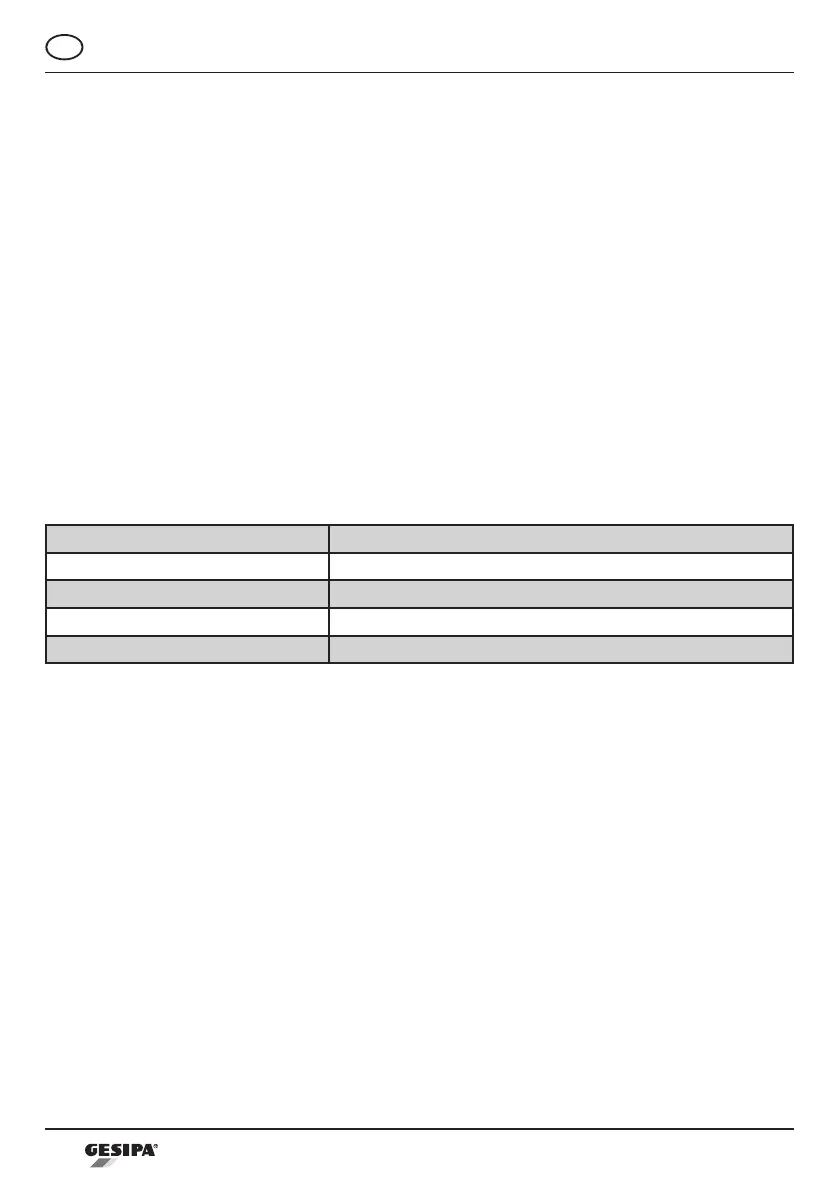
Function lights
Signal Meaning
Constant green Battery is charged / top-up charging
Flashing green Charging
Constant red Charging temperature out of range (battery too hot or too cold)
Flashing red Battery is defective or wrong battery (different manufacturer)
5.4 Battery handling
• Only insert batteries into the charger once they have cooled down.
• GESIPA
®
batteries can be charged approx. 1000 times.
• Do not insert the battery into the charger after each use.
• If battery autonomy becomes signicantly shorter despite proper recharging, the battery
shoukd be replaced.
• Store batteries in a dry place where there is no danger of frost. The optimum operating
temperature range is 10°C to 50°C.
GESIPA
®
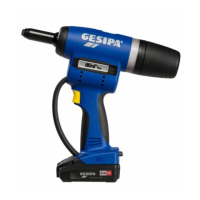
batteries have a display showing battery life in percent. Press the button in the dis-
play to activate the green LED lights for approx. 5 seconds.
*****
****
***
**
*
Battery full charged
Battery capacity approx. 80%
Battery capacity approx. 60%
Battery capacity approx. 40%
Battery capacity max. 20%, charge soon



 To Next Page